
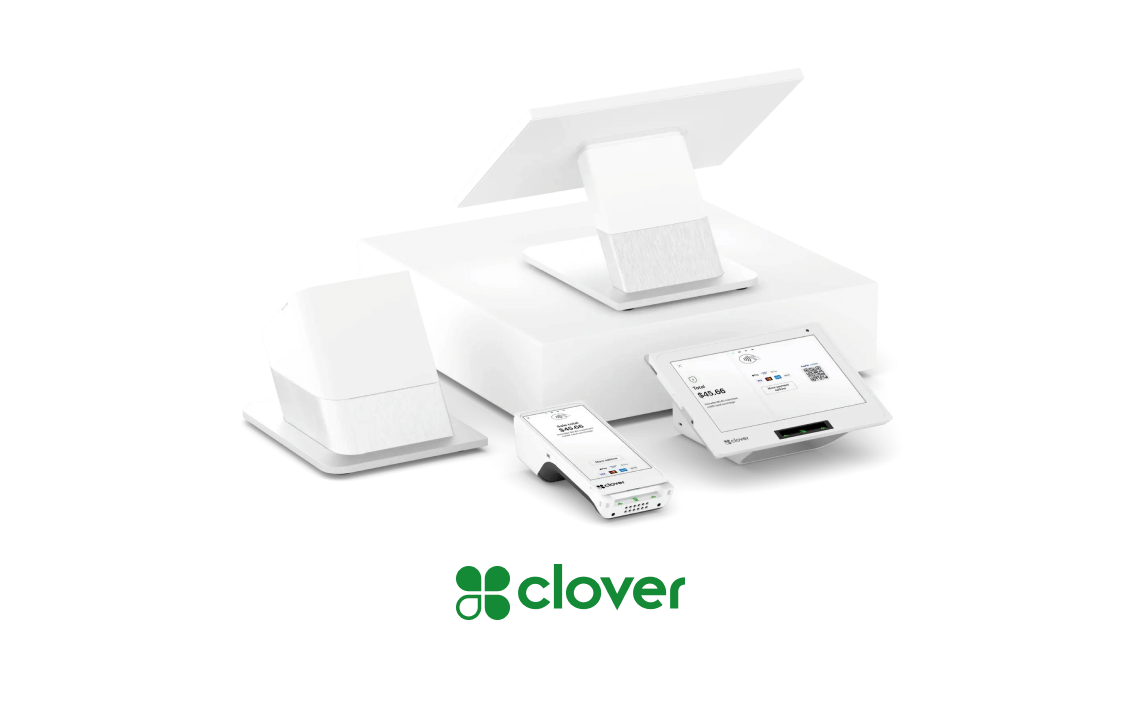
A Clover terminal is a point of sale device that takes payments in seconds. Its larger role begins after the receipt prints, when connected Clover tools move each sale into systems for accounting, payroll, inventory, online ordering, customer loyalty, and business reporting.
The right connection depends on how your business operates, what software you already use, your budget, and the data that must move between platforms. If you’re still choosing hardware and software, review a small restaurant POS system comparison before committing to a setup.
A thoughtful integration plan turns disconnected daily tasks into a more organized operation.
Key Takeaways
- Connect payment data with accounting, payroll, inventory, ordering, delivery, and loyalty tools.
- Check whether each integration supports one-way or two-way syncing before you install it.
- Standardize product names, SKUs, taxes, modifiers, and locations to prevent sync errors.
- Calculate total costs, including subscriptions, per-order fees, setup charges, and platform fees.
- Test products, refunds, discounts, staff permissions, and multiple locations before company-wide rollout.
How Clover Integrations Work
Clover integrations are applications or connectors that let a Clover POS system exchange information with another business platform. A Clover POS integration connects Clover’s point of sale system with software such as QuickBooks, Xero, Shopify, or scheduling tools. A native app runs inside Clover, while a Clover connector transfers selected data between systems. An API integration may provide deeper access, depending on the provider’s permissions and technical design.
Native Clover apps require app development within the Clover environment. Developers may use a software development kit to build apps, connectors, and tools for specific workflows. Not every integration supports the same data types or automation.
The clover app market is the starting point for most businesses. Owners can review apps by function, compare plans, install an app through the Clover Dashboard, and connect an outside account. During setup, select the correct business location and map items, menus, modifiers, taxes, employees, or customer records.
The Main Data Clover Can Share
A Clover sale can send sales transactions, tax details, tips, refunds, and discounts into accounting software. Employee clock-ins may flow into labor tools, while item counts can update an inventory platform after each sale.
Restaurants can send menus and incoming orders to online ordering tools or delivery channels. Loyalty apps can connect purchase activity to customer data and rewards. During setup, map product listings to the correct Clover items. Consistent names and SKUs also help prevent duplicate product listings.
A semi-integration may pass selected totals or orders without synchronizing every item, refund, modifier, or customer record. Clean tax settings and location records matter because inconsistent data can cause duplicate products and failed syncs.
Where to Find and Install Clover Apps
Browse categories such as Accounting & Tax, Employee Management, inventory, restaurant operations, and business management. The market includes third-party tools that expand Clover beyond the core checkout experience, with app costs and support terms set by each provider.
A provider’s app development affects which functions the integration supports and how it receives maintenance. Before installation, read the description, supported devices, pricing, permissions, reviews, support options, and cancellation terms. Review app development quality through documentation, permissions, and update history.
Clover’s overview of the App Market ecosystem also highlights common categories, including accounting, tax management, and employee scheduling.
A connection that only transfers sales totals may not handle refunds, tips, tax groups, or item-level reporting. It may also exchange data without replacing payment gateways or changing how payments are authorized.
The Best Clover Connections by Business Need
The right clover pos integration should solve a clear operating problem. Retail stores may need inventory visibility, while restaurants need menu control and pickup orders. Service businesses may prioritize staff schedules, recurring customers, and mobile pos access.
Accounting, Tax, and Employee Management
Commerce Sync can transfer Clover transaction data into QuickBooks Online or QuickBooks Desktop, reducing repetitive entry and supporting after-hours reconciliation. Intuit’s listing for Clover by Commerce Sync describes a connection for moving Clover sales into QuickBooks.
DAVO Sales Tax can use POS sales data to set aside sales tax, then support filing and payment based on the business’s filing schedule. Analytics BusinessQ is another option for businesses that need financial reporting beyond basic sales totals. Check support for Xero, refunds, tips, discounts, tax groups, and multiple locations before choosing.
Payroll, Scheduling, and Employee Management
Clover’s Employees tools, Homebase, and Time Clock by Homebase can help manage clock-ins, shifts, timesheets, role permissions, and labor reports. This is useful when managers are still matching paper schedules against point of sale activity each week.
Ask whether the selected plan includes payroll processing or only time tracking. Overtime rules, compliance tools, payroll exports, and advanced reporting may require another subscription. Staff information is sensitive, so limit permissions to the people who need access.
Inventory and Ecommerce Connections
MarketMan Restaurant Inventory, Thrive Inventory by Shopventory, Inventory Pro, and Pointy from Google address different inventory management needs. They can help businesses track stock, create purchase workflows, reduce stockouts, and align product listings with in-store SKUs.
For restaurant operators, the Clover and MarketMan inventory connection is designed around linking POS activity with food inventory management. Catalog mapping keeps product listings, prices, variants, and availability consistent across channels.
Ecommerce compatibility varies by platform. Shopify, WooCommerce, Wix, Adobe Commerce, and custom stores are different ecommerce platforms that may handle product listings, variants, locations, and stock updates differently. An api integration can help connect these systems, but providers may need app development for custom catalog or channel requirements. Confirm how inventory sync handles sales, returns, and manual adjustments.
Online Ordering, Delivery, and Restaurant Operations
Clover Dining, Scan to Order, OrderOut, Menufy Online Ordering, and Smart Online Order by Zaytech can support table management, QR ordering, branded ordering pages, pickup, delivery, and marketplace connections. Their order sync capabilities can bring pickup, delivery, and marketplace orders into a more consistent workflow, including online menu and marketplace product listings.
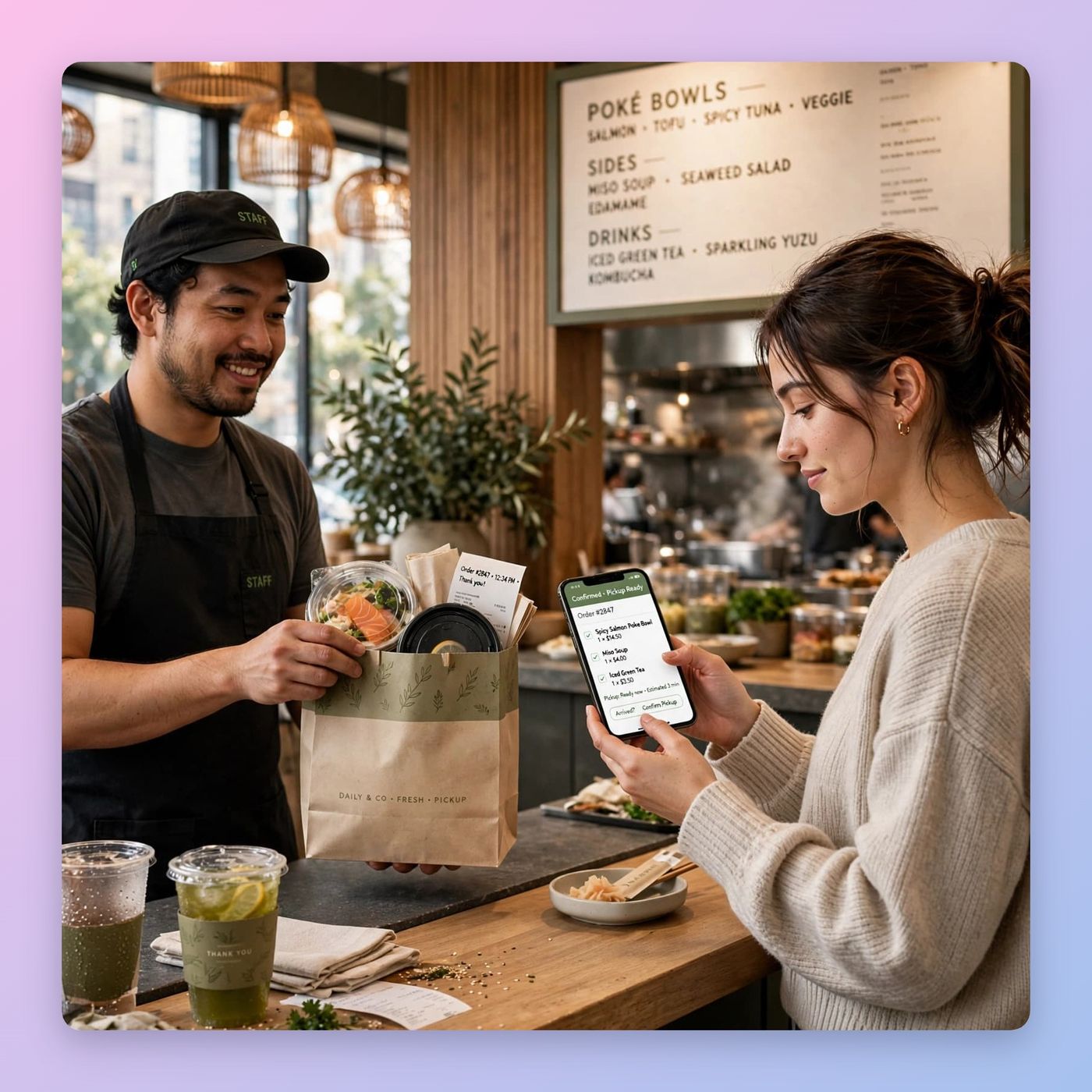
Test every menu item before launch. Add-ons, prices, taxes, printer routing, sold-out items, and location selection must match the live setup. Unusual ordering workflows may require additional app development and ongoing maintenance. Businesses comparing connected ordering features can also explore Clover POS hardware and software built for restaurant and retail operations.
Loyalty, Gift Cards, and Customer Engagement
Loyalzoo, Customer Check-in for Loyalzoo, Clover Gift Cards, and platforms such as LoyLap can support points, memberships, customer check-ins, gift card balances, and repeat purchases. A loyalty program works best when customers receive the same recognition online and at the counter.
Loyalzoo’s Clover integration features include sign-up through Clover Register or Sales, automatic points, reward redemption, and shared points across multiple locations. Confirm that customer profiles, gift card balances, and rewards stay connected across every selling channel.
How Much Do Clover Integrations Cost?
Clover integration costs vary widely. An app may be free to install, charge a monthly subscription, collect a per-order fee, require a setup charge, or need separate hardware. The connected platform may also have its own pricing plan.
OrderOut may be listed as free to install, while Time Clock by Homebase may download without an upfront app charge. Smart Online Order by Zaytech may use membership or pay-per-order pricing. Treat these examples as changeable starting points, not fixed long-term costs, because listings and plans can change.
DAVO explains its Clover app as a tool that can set aside sales tax and support filing. Still, app billing, payment processing, transaction fees, contract length, and provider support charges all belong in the same conversation.
A Simple Way to Compare Total Cost
Estimate the full monthly expense before choosing an app:
- Include Clover software, hardware, app subscriptions, and payment processing costs.
- Check whether payment gateways or processors charge separate setup, transaction, or account fees.
- Add per-order charges, implementation work, data cleanup, and employee training.
- Count fees for outside platforms, such as ecommerce, payroll, accounting, or delivery software.
- Consider support costs if your team needs hands-on help during setup or an outage.
The lowest app price isn’t always the lowest cost. A cheaper tool that creates manual reconciliation work may cost more in staff time than a higher-priced connection that handles the details accurately.
How to Choose and Set Up the Right Clover Integration
Start with the business problem, not the app name, when evaluating a Clover POS integration. Maybe sales must reach QuickBooks each night. Maybe kitchen staff need online orders to print in the correct place. Maybe a retailer needs accurate counts across a storefront and website.
List every system that must exchange data as part of the software integration. Then write down the precise data each one needs. Map your initial product listings before comparing options. Narrow your choices by business type, location count, Clover device compatibility, budget, and provider support. Unusual workflows may justify custom app development. For multi-location operations, test one site or a small product group before expanding.
Questions to Ask Before You Install
Ask the provider whether the app supports your Clover devices and current software version. For an api integration, confirm the required data fields, sync frequency, authentication method, and error handling. Confirm two-way or one-way data flow, multi-location support, user permissions, data ownership, backups, and security practices. Ask whether a semi-integration can handle refunds, tips, modifiers, and inventory adjustments.
Ask how the connection supports pci standards and emv compliance, but don’t assume an app guarantees compliance. Review the provider’s technical documentation, including setup and troubleshooting materials. Ask what app development resources and maintenance commitments are available. Review recent customer feedback, then ask who responds when an integration stops working during business hours.
Common Setup Problems to Avoid
Most problems trace back to a few small details: duplicate items, mismatched SKUs, incorrect tax rules, missing modifiers, the wrong location selection, disconnected accounts, delayed inventory updates, or incomplete payroll settings. A single menu mapping mistake can create incorrect prices across every pickup order.
Document your original settings before making changes. Run test sales, refunds, discounts, tips, cancellations, and out-of-stock items. Check prices, variants, modifiers, and out-of-stock behavior in your product listings. Review the results in both systems before the integration goes live, then expand the product listings mapping to additional locations. Clarify who owns long-term app development, updates, and support. That short testing period can prevent weeks of manual correction later.
Frequently Asked Questions
Can Clover integrations work with more than one location?
Many Clover apps support multiple locations, but setup may require additional steps. Check whether each site needs its own subscription, menu mapping, employee list, or accounting connection.
Do Clover apps work if the internet goes down?
Clover hardware may handle some transactions offline, depending on its settings and connection status. Most connected apps need internet access to sync information. After service returns, check orders and inventory for delayed or duplicate updates.
Can I remove an app without losing my business data?
Removing an app disconnects it from Clover, but the provider may retain stored data under its own policy. Export business records first, then ask about cancellation, backups, and future data access.
Will an integration replace my accountant or bookkeeper?
No. An accounting connection can reduce manual entry and organize payment data, but a professional should still review expenses, reconciliations, tax filings, and financial decisions. Automation works best when sales mappings and the chart of accounts are configured correctly.
Are Clover app subscriptions billed separately?
Some apps bill through your Clover account, while others use separate provider billing. Review the app listing and connected platform terms to understand recurring charges before completing the location setup.
Make Your Clover Setup Work for Your Workflow
Clover integrations can reduce repetitive data entry. They connect your point of sale with the tools that keep a business moving. The strongest choice fits your workflow and supports the data you need. It also has clear rules for syncing, security, cost, and support.
Start by documenting your current workflow and identifying its highest-friction handoff. Check whether an api integration can exchange required data with future systems, including product listings, prices, and availability across channels. Revisit the setup as your business grows, especially if a custom workflow or proprietary ordering experience could justify app development.
Then request a tailored POS and payments quote based on your actual locations, sales channels, and reporting needs. The right setup can improve transaction efficiency, accuracy, support, and scalability.