
The right POS does more than take payments. It shapes table turns, trims food costs, and protects margins. Choose well, and you standardize workflows, speed up service, and see clear numbers you can act on. Choose poorly, and you stall growth with slow tickets, clunky reports, and hidden fees. In this guide, we map the features and pricing models that drive returns for small restaurants and point you to the best POS system for small restaurant Nashville TN operators.
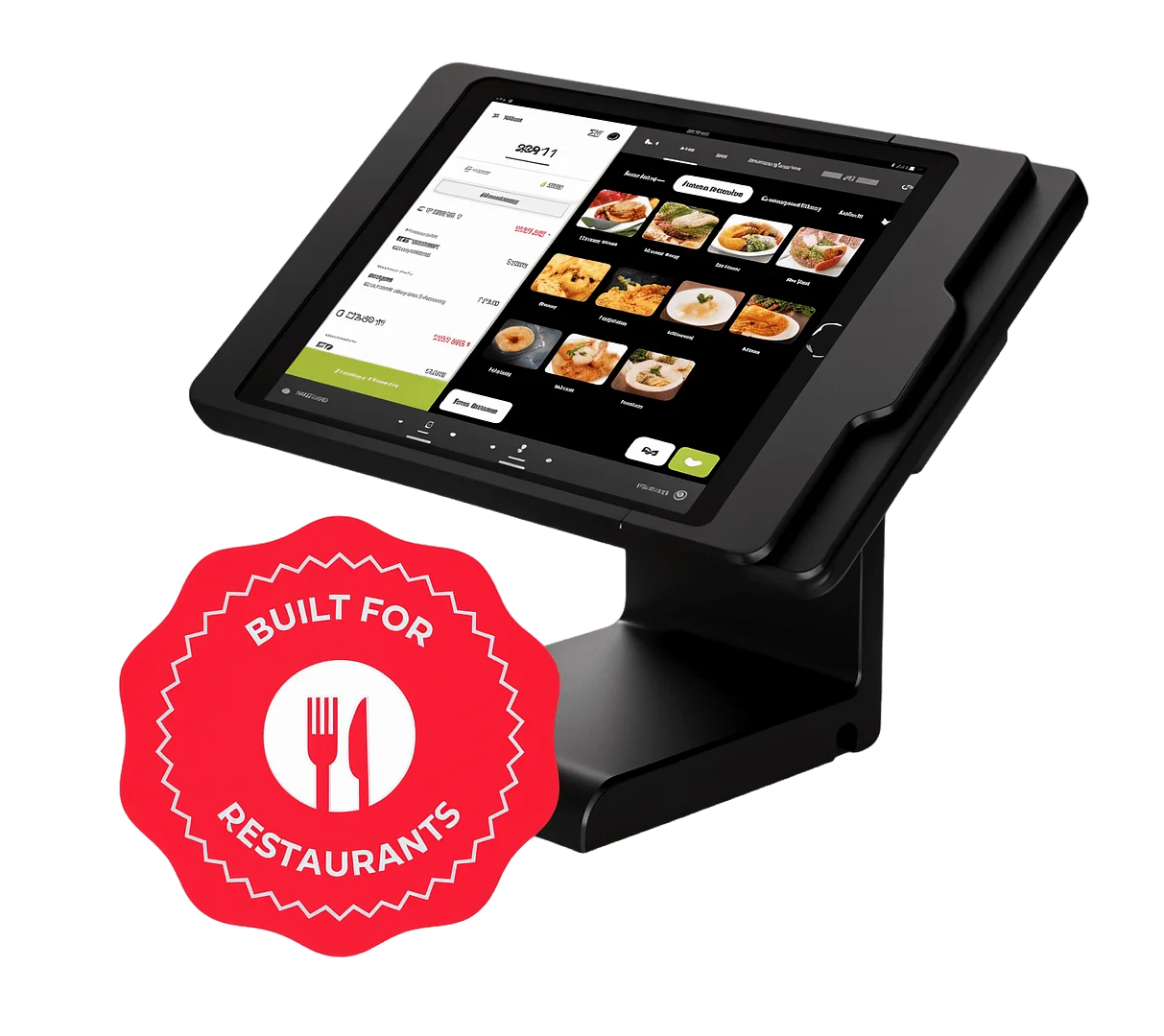
Nashville runs on peaks. Weekend surges, event traffic, and late-night service demand fast throughput and rock-solid uptime. Small teams need quick training, tableside ordering, and real-time menu edits. Local tax rules, liquor-by-the-drink compliance, and tip management require accurate settings and reliable reporting. Integrations with delivery apps, inventory tracking for hot chicken and barbecue menus, and support that understands POS systems Nashville keep lines moving and food costs in check. Read on to compare smart options, avoid costly traps, and lock in a POS that keeps pace with Music City.
Understanding the Needs of Small Restaurants
Small restaurants run on tight margins and tight shifts. Owners juggle menu changes, staff turnover, and volatile traffic patterns — from weekday lunch lulls to concert-night surges near Lower Broadway. Service styles switch fast: counter orders at breakfast, full service at dinner, and curbside during rainstorms. A POS must keep pace with these shifts while tracking tips, taxes, and alcohol compliance without slowing the line.
Tailored small restaurant technology removes friction at the busiest moments. Fast item search, smart modifiers, and coursing speed up orders. Real-time 86’ing prevents misfires when hot chicken runs low before a Preds game. Integrated kitchen displays cut ticket confusion. Offline mode keeps payments moving during an internet hiccup. For takeout-heavy evenings, native delivery integrations and two-way order updates protect accuracy and reduce costly remakes.
The best POS system for small restaurant Nashville TN also adapts to local growth. Mobile tablets enable tableside ordering on packed patios. Menu management supports pop-up specials during CMA Fest without a full reprogram. Inventory tools track yields for meat-and-three plates, while automated purchase alerts prevent stockouts before brunch. Tight accounting integrations shorten closeouts, align tip pooling, and simplify sales tax filing for Tennessee.
Reliable customer service and support make the system operational, not just functional. On-site installation reduces day-one disruption. Role-based training helps new servers start strong by the weekend rush. 24/7 support resolves hardware swaps and payment issues before doors open. Clear SLAs, proactive software updates, and local vendor partnerships ensure the POS evolves with the business, not against it.
Key Features to Look For
Choose a POS with an interface your team can master in one shift. Look for clean menus, large buttons, and color-coded modifiers. Require two-tap actions for common tasks like splitting checks, comping items, or firing courses. Add built-in prompts for upsells and allergy alerts to cut errors during a Saturday rush. In one East Nashville hot chicken spot, handhelds with simple flows cut new-hire training from three days to one.
Insist on strong integrations. Your POS should sync with inventory, scheduling, loyalty, and accounting tools without manual exports. Connect real-time item counts to auto-86 items and trigger vendor reorder points at preset par levels. Push daily sales, tips, and taxes to accounting software like QuickBooks or Xero to close books faster. Favor hospitality software with open APIs and certified partners so you can add online ordering, delivery, and gift cards as you grow.
Demand mobile capabilities that perform on the floor and off-site. Enable table-side ordering and payments to turn more covers and reduce walkouts. Use line-busting modes during Titans game days or festivals to speed curbside and patio service. Check sales, labor, and voids from a phone, and send menu changes to all locations with one tap. Verify offline mode for card payments so service continues during network hiccups.
Confirm practical details that drive daily efficiency. Ensure kitchen display systems sync instantly with modifiers and prep times. Require role-based permissions so managers, servers, and accountants see the right tools. Add multi-language support for diverse teams and photo-based menus for accuracy. These features shorten training, reduce comps and waste, and deliver faster, friendlier service.
Lavu POS
Lavu POS serves small restaurants that need speed, simplicity, and clear controls. The interface guides servers through modifiers, coursing, and split checks without extra taps. We configure quick menus for brunch rushes, evening prix fixe, and late-night service. The kitchen display routes items by station and flags allergens. Managers track labor in real time, set item countdowns, and push menu changes across terminals with one action.
We integrate Lavu POS with inventory, accounting, and online ordering tools that small teams already use. It syncs with QuickBooks and pulls item-level usage to forecast prep. The system supports curbside and tableside payments with handhelds. It also offers offline mode to keep taking orders during internet outages. For Nashville operators, we include delivery zone presets and sales tax mapping for Metro and surrounding counties.
Pricing stays simple. Plans start at $69 per terminal per month, with payment processing at 2.6% + 10¢ per transaction. A starter hardware bundle (tablet stand, cash drawer, receipt printer) runs $799, and handhelds start at $349. We waive setup fees for single-location restaurants and include two remote training sessions. This structure helps owners budget the true cost of ownership and compare it to other user-friendly POS systems.
Owners validate the value in daily operations. A 40-seat East Nashville bistro cut ticket times by 18% after moving to the kitchen display. A Germantown coffee-and-breakfast spot reduced comp errors by 22% with modifier prompts and manager approvals. New hires reach full speed in two shifts because the layout mirrors the menu flow. Support scores high as well; operators report same-day resolutions and proactive outreach during software updates.
Clover POS
Clover POS delivers speed, accuracy, and control for small dining rooms and counter-service spots. It streamlines orders across tables, bar, patio, and online channels with a unified ticket and modifier workflow. Built-in kitchen display options cut ticket times and reduce voids. Real-time item countdowns prevent overselling during rushes and special events. Strong menu engineering tools surface high-margin dishes and flag slow movers, which supports better pricing and placement decisions. For owners searching for the best POS system for small restaurant Nashville TN, these operational gains show up in tighter food costs and faster turns.
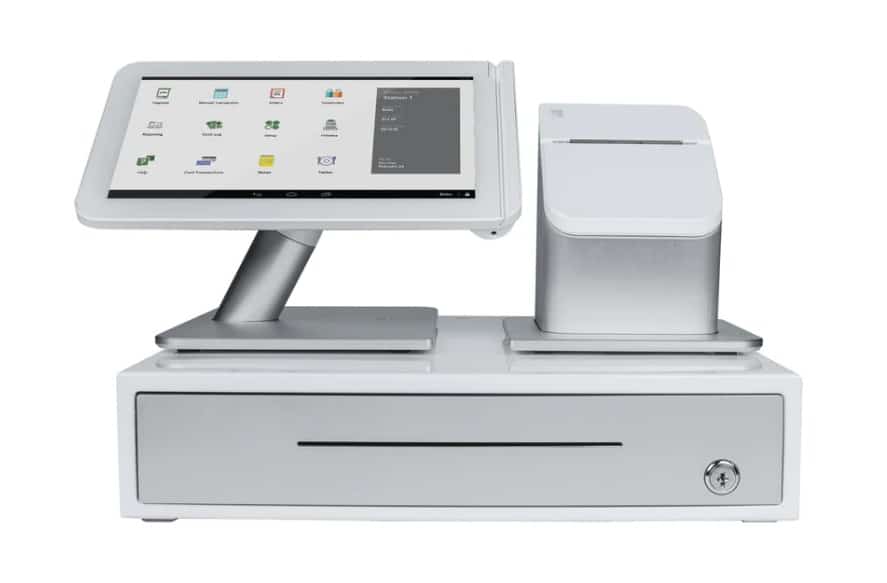
Compared to other restaurant management systems, Clover POS stands out with open integrations and transparent payments. It connects cleanly to major accounting platforms, third-party delivery, reservation tools, and labor scheduling without paid “connectors.” Competitors often bundle long contracts and proprietary hardware; Clover POS offers month-to-month terms, supports a wide range of tablets and printers, and includes an offline mode that keeps orders and payments moving during internet outages. Mobile features cover tableside ordering, QR pay, and curbside handoff with two-tap order staging. The result is a flexible setup that scales from weekday lunch to Saturday night volume without retraining staff.
Support and service match the pace of a small restaurant. Onboarding includes menu build, tax setup, and shift-by-shift go-live assistance. Ongoing help arrives 24/7 by phone and chat, with a Nashville-focused team that understands local requirements for tips, alcohol sales, and sales tax reporting. Hardware coverage includes next-business-day replacements and remote device monitoring to prevent downtime. Managers get weekly optimization check-ins, staff training refreshers, and security updates that keep EMV, PCI, and two-factor controls current. This level of service reduces disruption, shortens training time, and protects revenue across busy seasons.
Making the Right Choice for Your Restaurant
Start with a clear requirements list. Map your front-of-house, kitchen, and back-office workflows. Rank must-have features like tableside ordering, tip management, and inventory alerts. Build a scorecard with weightings for usability, integrations, reporting, and support SLAs. Compare three to five vendors side by side. Include total cost of ownership over three years, including hardware, licensing, payment processing, add-ons, and support.
Insist on structured demos and trials. Provide vendors with a scripted scenario that matches your service model. For example, test a Saturday rush at a 40-seat bistro in East Nashville with split checks, menu modifiers, and 86’d items. Measure order speed, error rates, and manager overrides. Use a two-week trial to run a lunch service in parallel. Validate that the system handles outages with offline mode and that staff close out shifts without manager rescues.
Check scalability and ecosystem fit. If you plan to add a patio, food truck, or second location in Germantown, confirm multi-location menus, centralized reporting, and role-based access. Verify open APIs or native integrations with accounting, payroll, and delivery marketplaces. Ask for local references in Nashville. Confirm on-site or same-day support, replacement hardware timelines, and processor dispute handling. These steps help identify the best POS system for small restaurant Nashville TN needs today and tomorrow.
Make a firm selection plan. Pilot in one section for one week, then roll out in phases. Train staff with short, role-based sessions and quick-reference guides. Lock in a merchant rate, contract term, and price-protection clause. Schedule a 60-day optimization review to tune menus, reports, and inventory rules. Treat the POS as the hub for tech solutions for restaurants, and keep a quarterly roadmap to align features with growth.
Common Mistakes to Avoid
Skipping a needs assessment leads to expensive misfits. Map the menu structure, ordering flow, and service model before shortlisting vendors. A 40-seat East Nashville bistro that relies on modifiers and coursing needs menu logic, fire timing, and kitchen display systems, not a retail-first POS. Capture must-haves like tableside payments, patio coverage, and online ordering integrations. Count terminals, printers, and network drops. Document how takeout, third-party delivery, and tip pooling work. Then test those exact workflows in demos.
Do not downplay support and training. Restaurants run nights and weekends, so the POS partner must do the same. Confirm 24/7 phone support with restaurant-trained agents, not email-only queues. Ask for local deployment resources and on-site go-live help. Plan role-based training for managers, servers, and kitchen staff to reduce comp errors and delays during a Friday rush. Include refresher sessions for new hires and menu updates and require a clear SLA for hardware replacement to avoid multi-day downtime.
Security and compliance are nonnegotiable. Choose a provider that is PCI DSS compliant, supports EMV chip and contactless payments, and uses point-to-point encryption and tokenization to protect card data. Enable unique staff logins and audit trails to curb void and discount abuse. Set up automated updates so security patches apply without delay. Verify how the system stores customer data for loyalty and delivery profiles and ensure it honors Tennessee data breach notification rules. Back up configuration and reports daily and limit admin permissions to managers.
Watch for hidden exposure around connections and contracts. Secure the network with a dedicated, segmented Wi‑Fi for POS devices and a battery backup for the modem and router, so service continues through brief outages. Confirm who owns the data and how to export it if switching vendors. Scrutinize payment processing terms for cancellation fees, non-cancellable leases, or PCI “non-compliance” penalties. A careful review here prevents costly surprises and keeps the restaurant in control.
Conclusion
Choosing the best POS system for small restaurant Nashville TN operations shapes daily service, cash flow, and guest loyalty. The right platform speeds orders, reduces errors, and unifies inventory, payroll, and accounting. It also brings reliable local support and secure payments that meet Nashville’s pace and compliance needs.
Prioritize features that solve today’s bottlenecks, affordability that fits your budget, and responsive support that protects uptime. We recommend that you define must-have workflows, map total cost of ownership, verify SLA-backed support, and run a live trial before you buy. Plan for scale with open integrations and easy menu updates. Review your setup at least once a year. Stay adaptable and update tools as technology evolves, so your team serves faster, smarter, and with consistency.