
A merchant ID number (formally, a merchant identification number) identifies your business’s payment account. You’ll typically find it on processing statements, inside your processor’s dashboard, or in your merchant account documents.
Knowing the right identifier helps you resolve funding questions, organize payment records, and avoid confusing your processing account with an individual terminal. Start with what your MID identifies, then follow the steps below.
Key Takeaways
- Your payment provider assigns the identifier for your merchant account.
- Statements, account documents, and secure dashboards are the best starting points.
- Terminal IDs, tax IDs, and transaction IDs identify different things.
What Does a Merchant ID Number Do?
A merchant identification number (MID), also called a merchant ID or merchant number, is typically a 15-digit alphanumeric identifier. Length and format vary by provider. Acquirers and payment processors assign it when establishing your merchant account.
Think of an account reference as the mailing address on a package. It helps the payment processing system associate transactions and settlement activity with the correct merchant account as information passes through terminals, software, processors, and card networks.
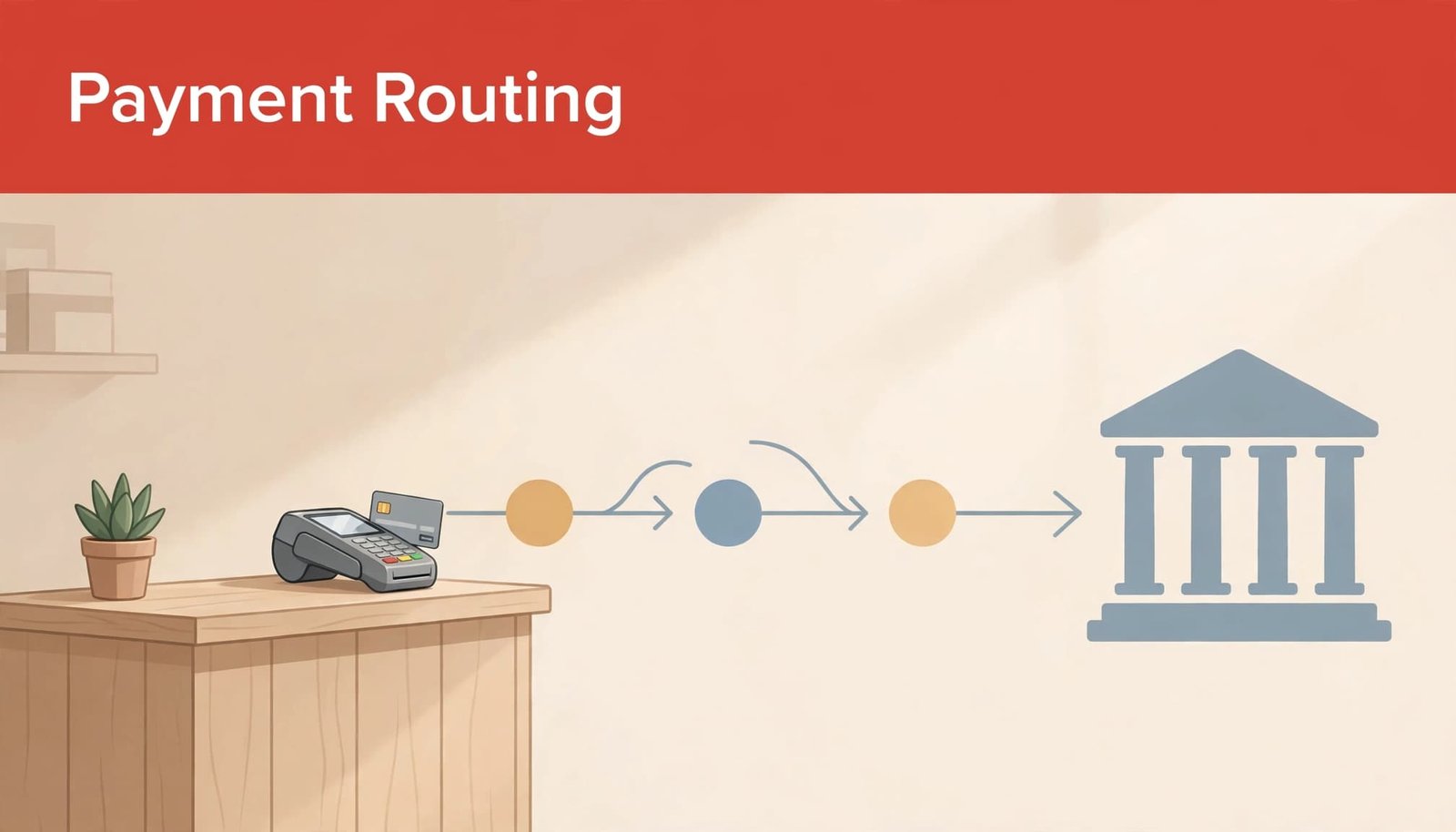
That connection supports accounting, deposit reconciliation, and payment investigations. Processing records associated with your identifier provide an audit trail containing timestamps, amounts, and transaction references.
Our merchant services guide explains how these payment services work together.
Where Can You Find Your Merchant ID Number?
Start with records from the company that runs your payment processing system. Your business bank account number and POS equipment serial number aren’t substitutes for this identifier.
Search Statements and Account Documents
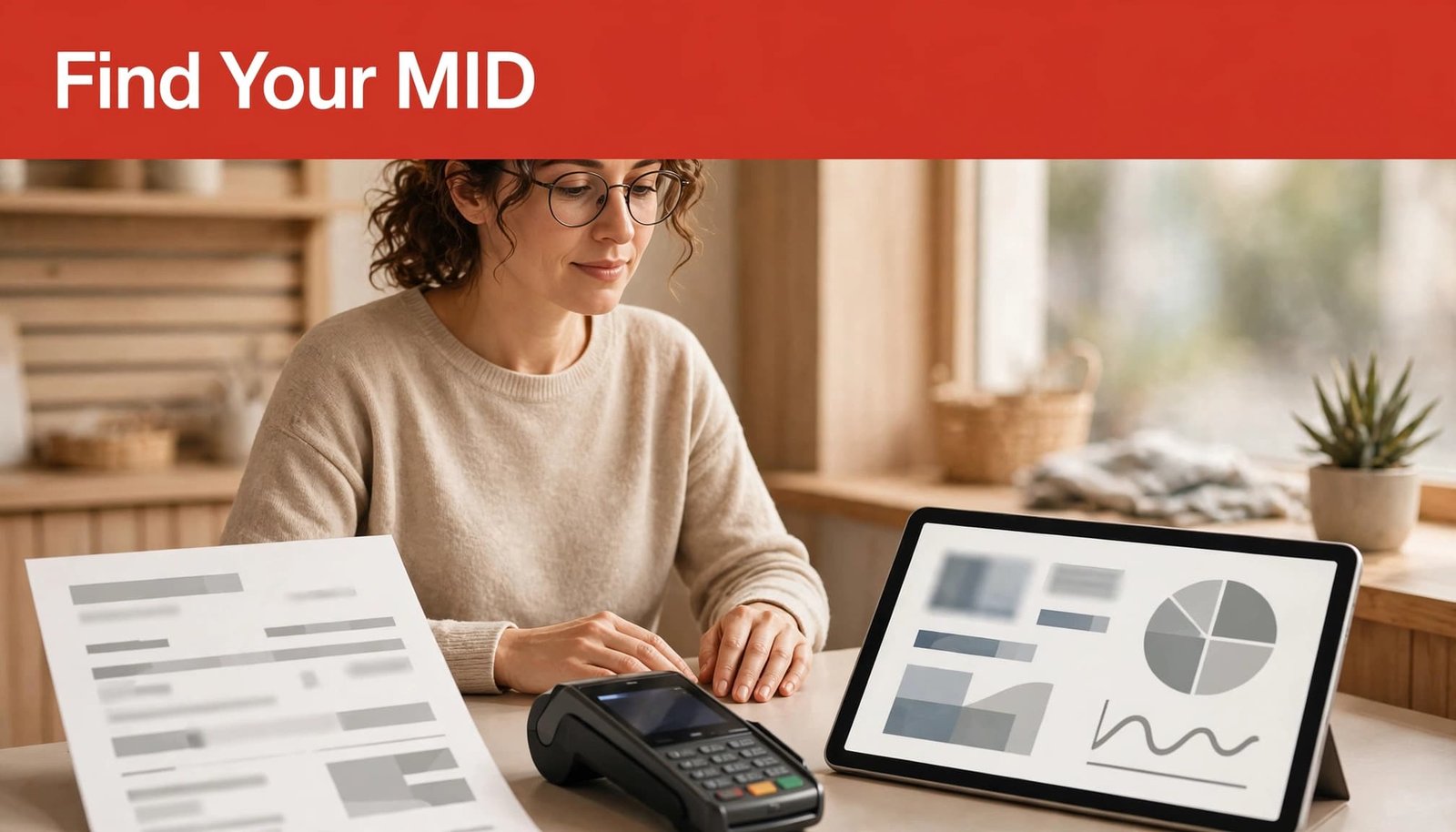
Open a monthly processing statement and review the account header near your business name and address. Look for “Merchant ID,” “MID,” “merchant identification number,” “Merchant Number,” or “Merchant Account Number.”
For a PDF, use Ctrl+F on Windows or Command+F on a Mac to search those terms. Also review your merchant agreement, approval email, and onboarding documents.
Some terminals display an account reference on a sticker, configuration screen, or batch report. A number labeled “TID” identifies the terminal instead.
Open Your Dashboard or Contact Support
Sign in to your processor’s secure portal and look under account details, business information, statements, or processing settings. Search your email for your provider’s name alongside “merchant number” or “account approval.”
If those records don’t show it, contact payment-provider support and request the account reference associated with your business and location. Have your legal business name, address, and account-owner information ready.
There’s no general public merchant ID lookup. Your authenticated dashboard is different from a public search engine.
How Does a MID Differ From Other Business IDs?
Payment records contain several identifiers. Each connects to a different part of your operation.
| Identifier | What it identifies |
|---|---|
| Merchant ID (MID) | Your merchant processing account |
| Terminal ID (TID) | A particular payment terminal or processing endpoint |
| Business tax ID, such as an EIN | Your business for tax administration |
| Transaction ID | One payment, refund, or other transaction |
Several terminals can operate under one merchant account identifier, while a transaction ID changes with each transaction. Your tax ID doesn’t replace either identifier.
A merchant category code is different again. As our guide to merchant category codes explains, an MCC classifies your business activity rather than identifying your processing account.
Why Does Managing MIDs Matter?
Organized merchant records and consistent MID management give you clearer reporting, faster reconciliation, and better control over payment issues.
Connect Each Account to Its Revenue Channel
Maintain a protected record of each merchant account, its provider, payment channels, business location, settlement account, and responsible employee. This helps accounting match deposits to the correct department or revenue channel.
Separate account reporting also makes it easier to compare ecommerce performance with physical retail sales. Review fees, refunds, disputes, and deposit activity alongside revenue.
Reducing unnecessary MIDs can reduce PCI compliance paperwork and compliance reporting administration. However, fewer identifiers alone don’t reduce your technical PCI DSS obligations or replace required security controls.
Assign Ownership and Monitor Account Activity
For a small business, the primary contact may be the owner or finance manager. At a college or university, the primary contact is often an administrator in the Bursar’s office or a similar business office.
Your merchant services provider (MSP) sends this contact statements, critical account updates, and chargeback notices. Keep that contact information current.
For fraud prevention, review processing statements for unusual or unauthorized transactions. Excessive chargebacks can lead to monitoring, account termination, and card brands withdrawing processing privileges. Track disputes by account and respond within the stated deadlines.
Frequently Asked Questions
Can One Business Have Multiple MIDs?
Yes. A business may have separate MIDs for different storefronts, online sales, or distinct business lines. Other providers organize multiple locations beneath a broader account structure.
A single statement may therefore cover only part of your operation.
How Do You Track an Individual Merchant Transaction?
For a payment transaction, use its transaction ID in your processor’s payment history, then review its status, amount, date, and settlement information. Search by order reference or customer receipt details when available.
An account identifier points to the account, so it won’t identify one particular purchase by itself.
Keep Your Merchant Account Information Accessible
The merchant-account identifier connects payment activity to the correct processing account. Keeping it alongside your provider details and location records makes funding questions and account support easier to handle.
For effective MID management, use your latest processing statement to confirm the identifier, then save it with provider details in a protected account directory. Give authorized staff a clear way to access it when payment questions arise.