
Authorization reserves a customer’s available funds or credit; capture submits the approved amount for collection. Settlement then transfers money between banks, while your merchant payout follows your processing schedule.
Understanding authorization vs capture helps you distinguish a pending payment from money your business can spend. Follow each stage to manage order fulfillment, customer questions, and cash flow with greater confidence.
Key Takeaways
- An approved authorization places a temporary hold, but your business hasn’t received payment.
- Capture submits the final charge for settlement, either immediately or after review or fulfillment.
- Uncaptured authorizations can be canceled, while completed payments generally require refunds.
- Authorization deadlines, hold-release timing, and merchant payout schedules are separate operational considerations.
Authorization vs Capture: What Each Step Does
Authorization and capture answer different questions: whether a payment can proceed, and whether your business is ready to collect it.
Here’s how the two stages compare.
| Payment detail | Authorization | Capture |
|---|---|---|
| Primary purpose | A card authorization obtains issuer approval and reserves funds | Submit the approved amount for collection |
| Typical timing | During checkout or a reservation | Immediately afterward or later |
| Customer impact | Reduces available funds or credit | Starts completion of the final charge |
| Common statement display | Pending transaction | Pending until processing finishes, then posted |
| Merchant impact | Confirms approval, without funding | Sends the sale toward settlement and payout |
The practical distinction is approval versus collection. A terminal approval, authorization code, or pending banking-app entry doesn’t establish that the merchant has received money.
Automatic capture can make the steps appear simultaneous because systems authorize and capture in one checkout flow; behind the scenes, they still perform different jobs.
How Authorization Works Behind Checkout
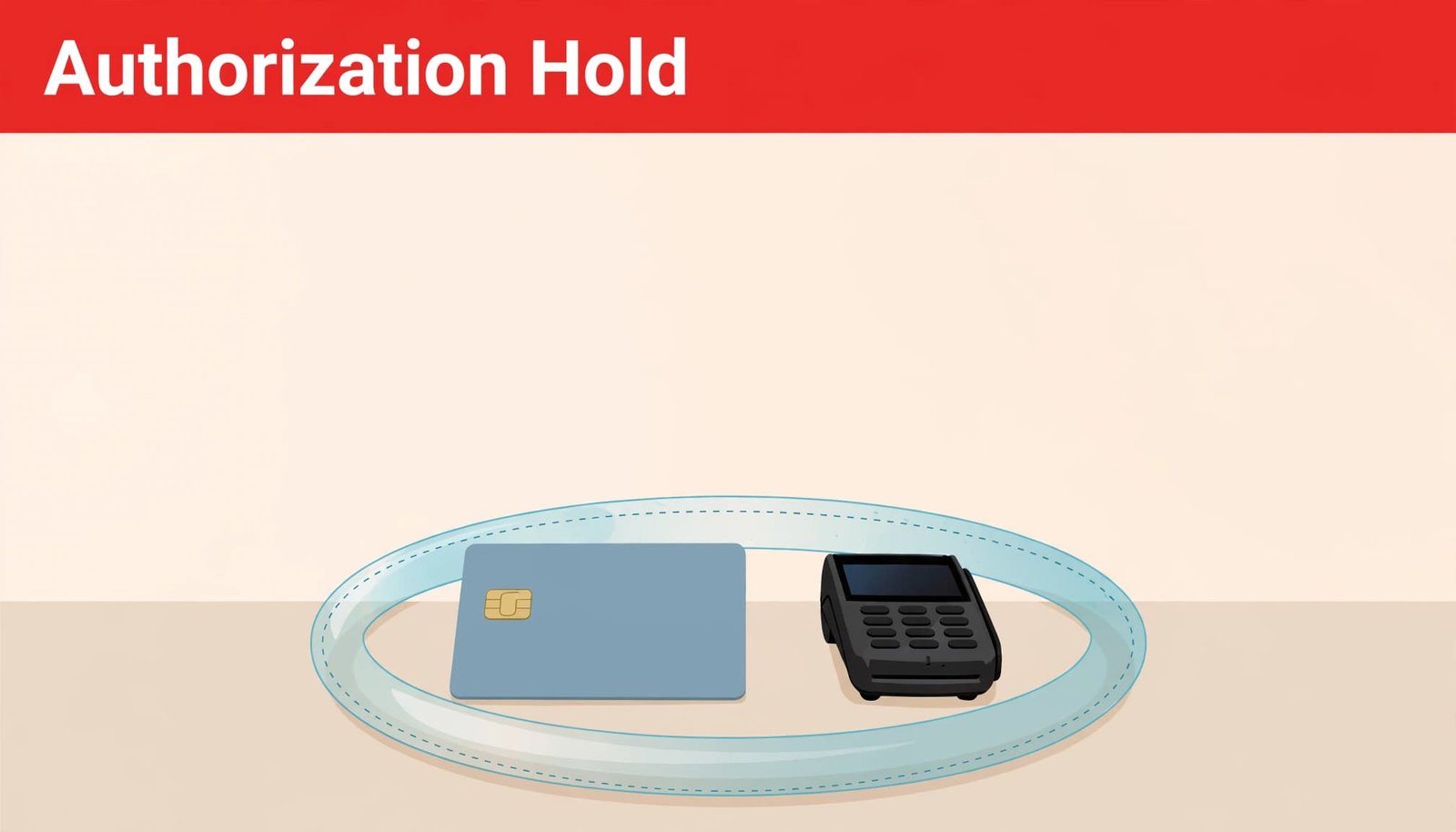
The request reaches the customer’s bank
Your terminal or online checkout sends payment information through your payment processor to the acquiring bank. The acquiring bank and card networks such as Visa, Mastercard, and Discover route authorization requests and responses between acquiring and issuing institutions.
The issuing bank, which provides the customer’s card, evaluates card validity, available funds or credit, and risk indicators. Our guide to how payment gateways work explains the gateway’s role in transmitting this information securely.
Approval normally creates an authorization hold, leaving the customer’s funds on hold; no money moves to your business at this stage.
Approval codes and unsuccessful requests
An approved request returns an authorization code that becomes part of the transaction record. Your system can use the authorization code to match a later capture to the approval. A declined request returns a response code or message explaining the outcome, although some responses provide limited detail.
Declined transactions can result from insufficient funds or credit, fraud-related restrictions, or technical errors. Gateway fraud filters can also reject a payment separately from the issuer’s decision. Comparing issuer authorization rates with gateway outcomes can help diagnose declines.
A communication timeout requires special care. The issuer might have approved the request even if your checkout didn’t receive the response, so another attempt could create a duplicate hold.
Capture, Settlement, and Your Merchant Payout
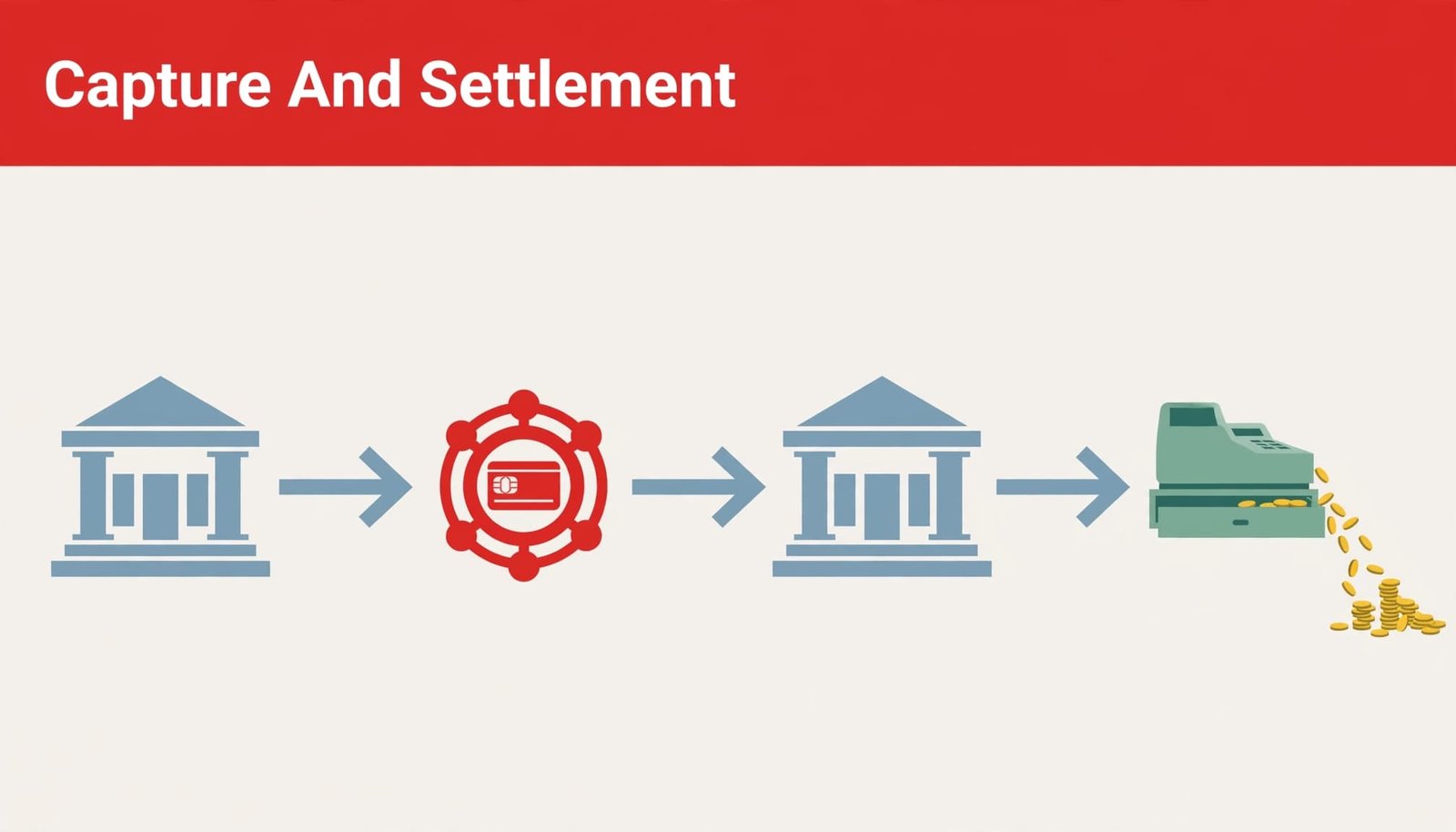
Capture submits the final sale
Payment capture is the follow-up request to collect the authorized amount and finalize the sale for processing. Automatic capture is the default for most online stores, occurring immediately after authorization. Manual capture happens later, such as when an order ships.
Clearing exchanges the final transaction details and establishes the banks’ payment obligations. Captured transactions are often submitted in batches, which makes daily batch closeout an important part of reliable payment operations.
Settlement moves money between banks
Within the card-payment lifecycle, settlement transfers funds between the issuing bank and acquiring bank. Your payment processor then funds your merchant account according to its payout arrangement.
Some platforms use different terminology. WooPayments calls capture “settlement,” although distinguishing the capture request, bank-to-bank transfer, and merchant funding provides greater operational clarity.
A captured sale therefore doesn’t mean your deposit is immediately available. Cutoff times, banking schedules, fees, reserves, and adjustments can affect the payout.
A Transaction Timeline: $100 Authorized, $80 Captured
A $100 authorization followed by an $80 final charge shows how available funds change without charging the customer twice.
- Checkout: The issuer approves $100 and places a hold. Available debit funds or credit decrease by $100, but the merchant receives nothing.
- Order adjustment: The final order total becomes $80 before capture.
- Partial capture: The merchant submits $80 for collection. The unused $20 is released, although the issuer’s display and balance update may take time.
- Settlement and posting: The $80 charge completes processing. The merchant’s resulting payout follows its funding schedule and applicable deductions.
The customer’s final purchase is $80, rather than $180. A pending hold and posted charge may briefly appear together while the issuer updates its records.
For a standard capture, the amount can’t exceed the authorization. A $120 final bill against a $100 authorization requires additional authorization or a supported adjustment process. Eligible incremental-authorization or overcapture workflows have their own rules.
When Delayed Capture Supports Your Business
Manual capture gives your business control over when an approved payment becomes a final charge. That flexibility works best when capture timing follows fulfillment and remains within the authorization window.
Match collection to the final amount
Gas pumps authorize before the final fuel total is known. Hotels authorize at check-in and capture at checkout, while equipment rentals may need to account for the completed rental period.
For physical goods, merchants can authorize when an order is placed and capture when it ships. Custom craft orders may also benefit, provided production finishes before authorization expires.
These workflows reduce unnecessary refunds when inventory, order quantities, or final totals change.
Complete fraud review before collection
Delayed capture provides time to review identity signals, billing information, and suspicious ordering patterns. An uncaptured authorization can be canceled before it becomes a collected payment that might generate a chargeback.
That doesn’t eliminate dispute risk after capture. Pair review with accurate receipts, recognizable billing details, and consistent chargeback prevention practices.
For free trials, Recurly describes authorizing either a nominal amount or the full first-period charge. The full amount provides better evidence of available funds, but neither approach guarantees a later payment.
How Long Holds Last and What Expiration Means
Authorization validity and the customer’s visible hold aren’t always governed by the same timeline. Card network rules, transaction type, issuer behavior, gateway settings, and merchant category all matter.
Stripe describes holds that can last up to 31 days in some circumstances, while its general explanation says most authorizations expire within 5 to 10 days. WooPayments sets its authorization expiry at seven days. Recurly describes approximately 7 to 10 days, depending on card brand and gateway.
These figures describe different processing arrangements, not interchangeable deadlines. Mastercard’s transaction processing rules also establish authorization and clearing requirements for particular transaction types.
A customer’s visible hold isn’t proof that your capture window remains open.
When an uncaptured authorization expires, the reserved funds or credit become available again according to issuer timing. There isn’t a refund because the merchant never collected the payment.
An expired authorization generally requires a new authorization before collection. A long production schedule or preorder therefore needs a payment workflow designed for that timing, rather than reliance on an old approval.
Voids, Refunds, and Processing Fees
Cancel an authorization before collecting
To cancel authorization before collection, submit an authorization reversal or void; the issuer controls when the hold is released.
For a canceled order, promptly reversing the authorization helps prevent unnecessary balance restrictions and customer confusion.
Once capture occurs, the available options depend on transaction status. WooPayments doesn’t allow a captured payment to be canceled; it requires a refund. Some processors support voiding an unsettled captured sale before batch submission.
Refund collected money and reconcile costs
Money returned after collection appears as a separate credit or adjustment. It’s different from releasing an unused hold, and it doesn’t necessarily reach the customer immediately.
Authorization attempts can incur gateway or per-authorization fees even when no sale is captured. Captured transactions incur the applicable processing charges, and refunds may not return every original fee. There isn’t a universal fee treatment across processing agreements.
For accurate cash-flow reporting, use POS reconciliation to connect captured sales, settled amounts, refunds, fees, and actual bank deposits.
Frequently Asked Questions
How does authentication differ from authorization?
Authentication helps establish that the person making the payment is the legitimate cardholder. A 3-D Secure challenge is one example. Authorization is the issuer’s approval of the payment request, including available funds and risk checks.
Successful authentication doesn’t guarantee authorization, since the issuer can still decline the purchase.
Can one authorization support several partial captures?
Some gateways support multiple captures for split shipments. Others treat the first partial capture as final and release the remainder.
A supported multiple-capture workflow can preserve the remaining authorized amount for later shipments, subject to its limits and deadlines. A standard final partial capture doesn’t leave that unused balance available indefinitely.
Does a pending payment indicate fraud?
Pending status alone doesn’t indicate fraud. It normally means the issuer has recorded an authorization or the transaction hasn’t finished processing.
It also doesn’t prove your business captured the sale. Your processor’s transaction record identifies whether the payment remains authorized, has been captured, or has failed.
Build Clear Payment Stages Into Daily Operations
Authorization confirms approval, capture requests collection, and the interbank transfer moves funds between institutions. Keeping those stages separate gives your team better control over fulfillment, customer communication, and cash flow.
Use transaction status, rather than a pending entry or approval receipt alone, to guide payment decisions. A consistent capture, reversal, and reconciliation routine helps your business collect completed sales without unnecessary holds or duplicate attempts.