
Small business owners must balance excellent service with day-to-day demands. Choosing the best point of sale for small restaurant operations can help them meet both goals. A modern point of sale platform does more than process payments; it can simplify workflows, provide timely business insights, and support growth.
Today’s POS systems help restaurant teams work faster and make fewer mistakes. They also give owners a clearer view of sales, inventory, and customer preferences. The six restaurant examples below show how the right technology can improve service, support sales, and encourage customers to return. Their experiences offer practical ideas for small restaurants looking to get more from a POS system.
Key Takeaways
Restaurant POS systems can manage orders, payments, inventory, menus, and sales reports in one place.
Features such as kitchen tickets, online ordering, loyalty programs, and customer profiles can improve service and encourage repeat visits.
Sales, staffing, and inventory reports help owners plan shifts, control costs, and make informed business decisions.
Choose a POS system based on your restaurant’s needs and budget. Compare features, offline mode, monthly fees, payment processing costs, transaction fees, and customer support.
The Role of POS Systems in Restaurant Success
A well-matched restaurant POS does more than handle transactions. It gives owners tools for daily operations, including inventory tracking, menu management, payment options, and real-time sales reports. A floor plan can help organize dining-room operations. A bakery, for example, can monitor ingredient use and receive low-stock alerts, making it easier to reorder supplies before popular items sell out.
Restaurant POS systems also help teams manage orders with fewer manual steps. Staff can enter a guest’s order on screen and send it directly to the kitchen, reducing confusion and delays. A sushi bar that once relied on handwritten tickets can use a POS system to organize complex orders and flag special requests, helping the kitchen prepare meals accurately during busy shifts.
A POS system can also improve the guest experience. Quick checkout, flexible payment options, split bills, and loyalty programs make dining more convenient. Owners should check how a provider supports PCI compliance and clarify their responsibilities. A neighborhood café can use customer purchase history to recognize regulars, apply rewards, and recall favorite orders. Personal touches like these help guests feel appreciated and give them another reason to return.
For owners, the right POS system can remove daily bottlenecks and provide useful information for business decisions. When staff can focus on service and owners can track costs and resources more clearly, the restaurant is better positioned to serve guests well and build steady growth.

Café Bella: Increasing Sales with Better Order Management
Café Bella faced problems familiar to many small restaurants. During peak hours, order mix-ups and long waits strained staff and frustrated customers. After switching to an easy-to-use POS system, the café improved its order process. Staff entered orders faster, made fewer mistakes, and kept service moving. Serving more customers during busy periods created more opportunities to increase sales.
The café used several features to improve daily operations:
Faster order entry helped staff process orders quickly and accurately during busy periods.
Real-time inventory management alerted staff to low supplies and ingredients nearing expiration. Managers checked stock, reordered before shortages, and avoided waste and unnecessary purchases.
The customer loyalty program let guests sign up and redeem rewards through the POS. Purchase history helped Café Bella tailor offers and discounts that encouraged repeat visits.
Better order management, inventory control, and customer engagement gave Café Bella a stronger foundation for growth. The café used its POS system to improve the guest experience and make more of each service period.
Urban Eats: Improving Service Speed and Accuracy
Urban Eats improved its guest experience with a restaurant-focused POS system. Staff entered orders and sent them to the kitchen within seconds, reducing wait times during lunch and dinner rushes.
Digital kitchen tickets replaced paper slips, helping staff stay organized and reducing confusion.
A kitchen display system showed orders with special requests and allergy notes clearly marked, improving communication between the front of house and kitchen.
The user-friendly interface helped employees learn the system quickly. New hires got comfortable with it in hours rather than days, reducing training time and onboarding costs.
Managers reviewed order completion times, spotted slowdowns, and adjusted workflows. Fewer mistakes gave employees more time to attend to guests.
For table service, a handheld POS lets staff enter orders at the table and send them directly to the kitchen.
Urban Eats saw faster table turnover, fewer complaints, and more repeat business. Its experience shows how technology that fits a restaurant’s workflow can improve service speed, order accuracy, and staff productivity.
The Green Spoon: Using Sales Data to Make Better Decisions
The Green Spoon used analytics and reporting to make informed business decisions:
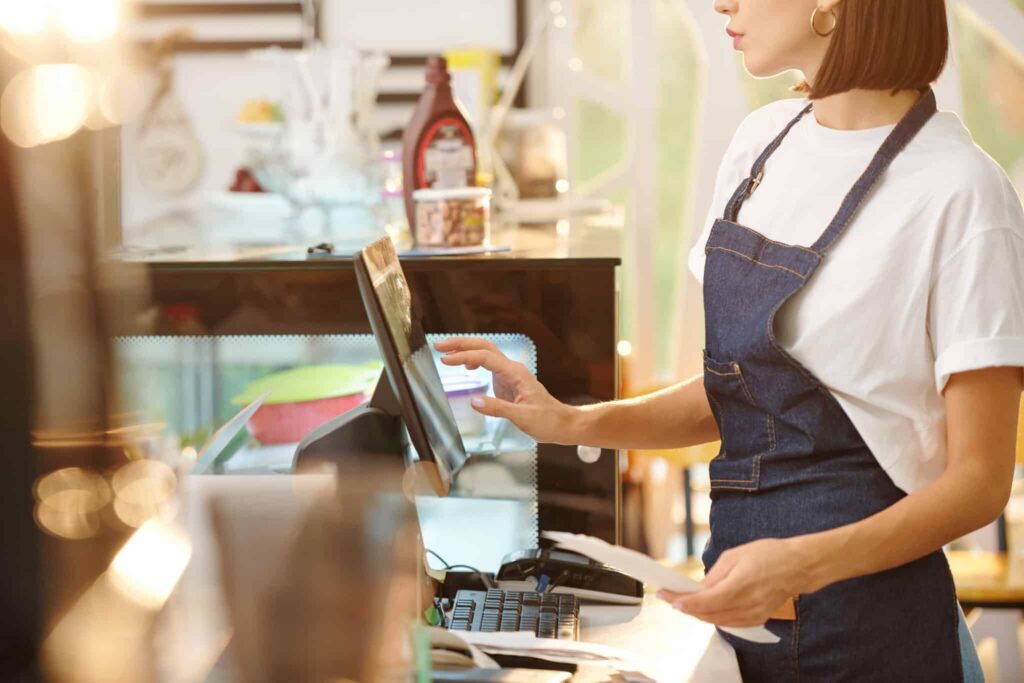
Sales reports and customer preferences helped managers identify popular dishes, remove slower sellers, and consider pricing changes while monitoring customer satisfaction.
Reports by hour and day helped the team schedule enough staff for rushes and avoid unnecessary labor during slower shifts. Preparing for peak hours reduced delays and kept workloads manageable.
Inventory reports tracked ingredient use and food waste. Low-stock alerts and usage records supported accurate reordering, better purchasing schedules, and more useful conversations with suppliers. These adjustments helped control costs, prevent shortages, and maintain food quality.
By reviewing sales, staffing, and inventory information together, the team could respond to customer demand and adjust plans as business needs changed.
Sabor Latino: Reaching More Customers with Online Ordering
Sabor Latino adopted a cloud-based POS that brings dine-in and delivery orders together in real time.
The shared workflow reduced duplicate entries and confusion between kitchen and front-of-house staff, helping orders move during busy periods.
Delivery platform integrations sent orders from multiple apps directly into the POS, reducing manual entry and missed orders.
Add-on suggestions helped increase order totals.
Managers coordinated promotions and discounts across channels, reviewed results, and adjusted offers based on real-time performance information.
Sabor Latino’s experience shows how a cloud-based POS can support online sales and daily restaurant operations. Connecting its ordering channels helped the restaurant handle orders and reach customers who might not have visited in person.
Little Italy Trattoria: Strengthening Customer Relationships
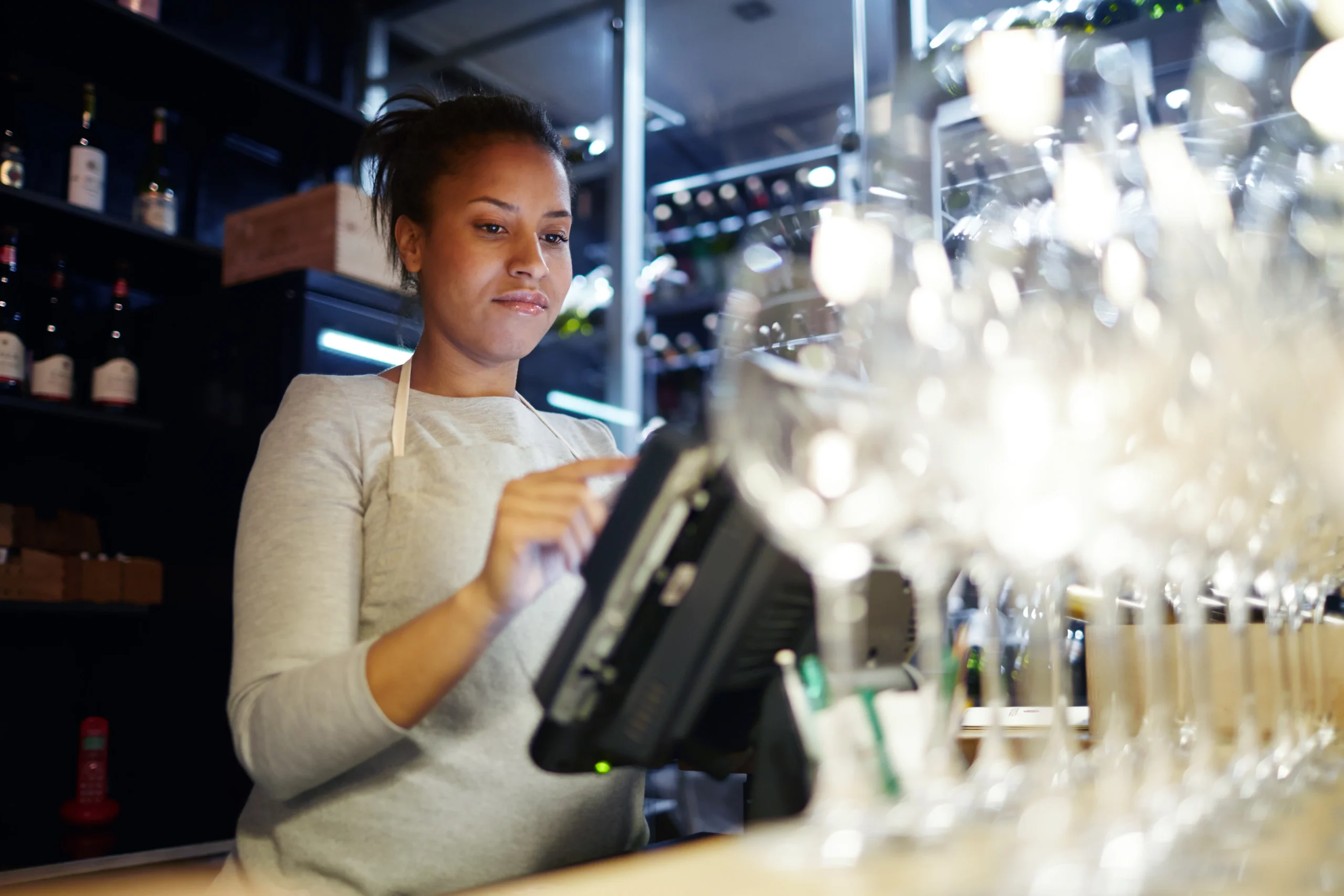
Little Italy Trattoria used POS features to make service more personal. The team recorded customer profiles and preferences during transactions, helping servers recognize returning guests, recommend favorite dishes, and remember dietary needs. This attention to detail made visits feel more welcoming and encouraged customers to come back.
The restaurant also used POS marketing tools to organize customers into groups and send more relevant messages. For example, managers could invite diners to events such as Pasta Night or special tastings based on their order history. The system tracked campaign results, giving the team a way to adjust future messages and improve reservations.
An automated rewards program encouraged repeat visits without adding extra work for staff. Customers earned points as they spent, and the POS kept track of their progress. The system could also send personalized birthday or anniversary offers, giving guests another reason to return and potentially add more to their order.
By using customer profiles, targeted messages, and rewards, Little Italy Trattoria built stronger connections with its community. POS tools helped the restaurant offer more personal service and stay in touch with its guests.
The Local Diner: Making Staff Management Easier
The Local Diner managed employee schedules, payroll, and service standards every day. Its employee management tools connected scheduling, attendance, payroll, and performance information in one dashboard, reducing reliance on separate spreadsheets.
Managers assigned shifts, reviewed attendance, and processed payroll from one dashboard. Less administrative work left more time to support staff and serve customers.
Reports on sales by employee, order accuracy, and transaction times helped managers recognize strong work, identify training needs, and assign staff during busy periods. Clear performance information helped employees understand expectations and track their progress.
An intuitive interface helped new hires find menu items, enter orders, and take payments with less time spent learning the system. Built-in prompts and tutorials helped new team members learn their responsibilities and maintain consistent service as staffing changed.

The Local Diner’s experience shows how these tools support staff management as well as sales and payments. Scheduling, performance reports, and an easy-to-learn interface reduced administrative work and kept the team focused on customer service.
Frequently Asked Questions
What can a POS system do for a small restaurant?
A restaurant POS can process payments, manage orders, track inventory, and provide sales reports. Depending on its features, it can also support online ordering, loyalty programs, and staff management.
How can a POS system improve restaurant service?
Staff can enter orders and send them directly to the kitchen, which can reduce manual errors and delays. Handheld ordering, clear kitchen tickets, and flexible payment options can also make service more convenient for guests.
How can POS reports help restaurant owners?
Sales, staffing, and inventory reports can help owners identify popular dishes, plan shifts, and track ingredient use. Low-stock alerts and usage records can also support reordering and help control costs.
What should a small restaurant compare when choosing a POS system?
Compare the features your team needs, such as inventory reports, online ordering, payment flexibility, and staff management. Check offline mode, customer support, monthly fees, payment processing costs, and transaction fees before choosing a provider.
Helping Small Restaurants Grow with the Right POS System
These six restaurant examples show how the right tools can support growth and improve daily operations. Restaurant owners can use POS tools to manage orders, track inventory, review sales, connect online ordering, and coordinate employees. When these features fit the restaurant’s needs, teams can make fewer errors and provide better customer service.
Choosing a system starts with understanding how your restaurant operates and what fits a small-business budget. Compare the features your team needs, such as inventory reports, menu customization, payment flexibility, loyalty programs, online ordering, and staff management. Check for offline mode, which can let staff keep taking orders or payments during an internet outage.
The monthly fee, payment processing costs, and transaction fees all affect your operating budget. Flat-rate fees are more predictable, while interchange-plus pricing varies with card costs. Estimate expenses using your expected sales and card mix.
Compare providers such as Toast, TouchBistro, Revel Systems, Sauce, Square, Clover, and SpotOn. Compare actual quotes from Square, Clover, and SpotOn, along with feature availability and customer support.