
A card terminal freezes during the lunch rush, and the line starts growing. For a Tennessee business that depends on card sales, payment processing downtime can interrupt revenue, delay service, and leave employees unsure what to tell customers.
A backup terminal or hotspot can help, but neither solves every kind of outage. You need to know which part of the payment flow failed, what your equipment can still do, and when it’s safe to resume transactions.
Find the Source of Payment Processing Downtime
A failed sale doesn’t always mean credit card processing outages are to blame. The issue may be local or farther along the payment network. Local causes include internet connectivity issues, hardware malfunctions, or software glitches in your point of sale (POS). Identifying the affected channel first keeps system downtime from becoming a storewide shutdown.
Start with power, connectivity, and equipment
Check whether the terminal has power, whether other devices can connect, and whether the POS can still open an order. A router failure may affect every checkout station, while a damaged cable or frozen card reader may affect only one.
Restaurants have another question: are orders still reaching the kitchen? A working register doesn’t help much if tickets have stopped printing. Keep your internet equipment, POS devices, and payment terminals on a simple equipment map so staff know what to check and who to call.
If your team is unclear about which component handles a transaction, review how POS systems and merchant services work.
Separate local trouble from provider trouble
If devices have power and internet access but card payments fail across multiple stations, check your processor’s status notices and contact support. For an online store, check whether customers can reach checkout. A payment gateway issue may affect online payments without indicating a processor-wide problem.
Record the time, affected devices, error messages, and transaction IDs. Check the status of failed transactions before retrying. An apparent failure at checkout can still turn into an approved payment, and repeated attempts may create a duplicate charge.
Understand the Cost Beyond the Missed Sale
Revenue loss is the most visible consequence of an outage, but it isn’t the only one. A restaurant may slow table turnover while staff sort out open checks. A retailer may lose a sale when a customer can’t wait. A service provider may finish a job yet have to follow up for payment later.
Use your sales records to compare transaction volume during the interruption with what you’d expect at that time of day. Track delayed invoices, canceled orders, refunds, and any payments that never settle. Sales at risk aren’t automatically sales lost, so keep those figures separate.
Cash flow can also lag after service returns. Stored transactions may still need to be submitted, approved, and reconciled before they appear in deposits. A clear recovery process protects both your revenue and the customer experience.
Build Your Backup Plan Before Payments Fail
The best time to test a fallback is when no customer is waiting. Start with the systems that carry your busiest sales period, then give each backup a named owner and written outage procedure. That preparation supports business continuity and payment resilience.
Protect the connection and the checkout station
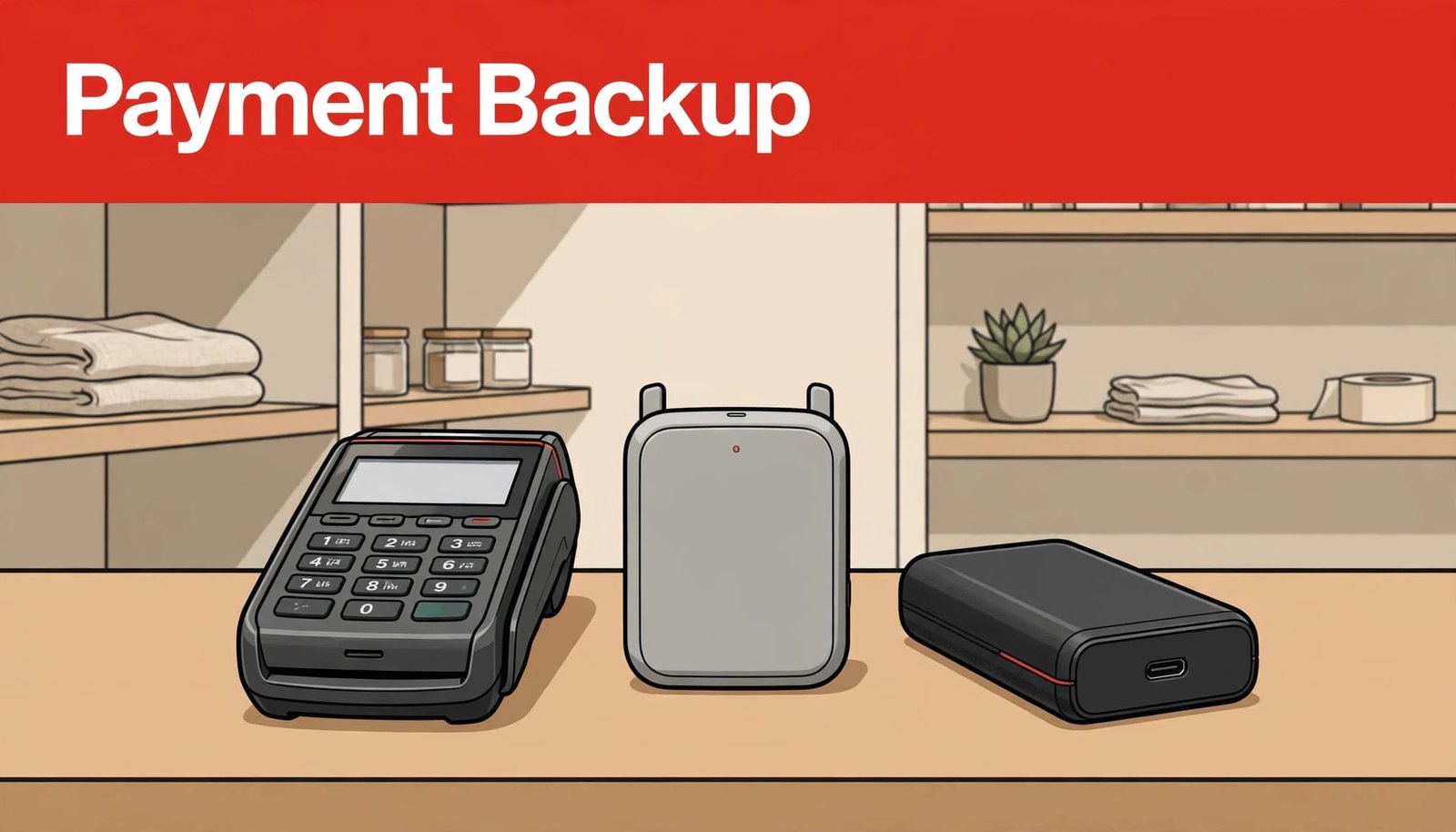
Use a reliable primary internet connection, then test a separate backup such as cellular service where you actually take payments. A hotspot that works outside may perform differently behind a restaurant counter or inside a stockroom. Ask whether your POS supports automated failover or requires a manager to switch connections.
Keep chargers, cables, receipt paper, and a spare reader where staff can find them. Treat a tested connection and configured terminal as parts of your payment infrastructure. A backup terminal is useful only if it’s charged and approved for your merchant account. Confirm whether it shares the same processor and gateway as your primary setup; shared dependencies may leave both devices unavailable during a provider outage.
Know the support route before you need it
Save your payment processor’s support number, merchant ID, equipment details, and escalation steps in a place managers can access without the POS. Ask how outages are reported, whether after-hours assistance is available, and how replacement equipment is handled.
United Banc Card of TN offers payment processing for in-store and online sales. Whatever setup you use, ask your provider to identify the connections between your POS, gateway, and processor. That conversation makes it easier to choose a backup that addresses a real point of failure.
Treat Offline Payment Processing as a Controlled Option
Offline payment processing varies by provider, device, and transaction type. Some POS systems can continue certain tasks without internet access. Others may let a device store eligible card transactions for later submission. Offline does not mean approved: a stored payment can be declined after the customer leaves.
Confirm what works on each device
Ask your provider for written limits and procedures before enabling offline mode. Your processor can explain how card networks, the issuing bank, and payment authorization status relate to those procedures. Which transaction types qualify? Is there a per-sale or total limit? When must stored payments be submitted? Who is responsible if a card is declined later, and how is the loss handled through your merchant account?
Check the rest of your workflow, too. Tips, refunds, gift cards, loyalty accounts, online orders, and inventory updates may behave differently while disconnected. Some restaurant devices can’t synchronize orders with one another offline. In that case, assign staff to specific stations so two employees don’t change the same table on separate devices.
Run a controlled test: disconnect service, enter an order, check kitchen routing, complete an eligible small sale, restore service, and reconcile the result. Repeat it when equipment or settings change.
Keep card data out of improvised records
Never solve an outage by writing card numbers on tickets or collecting them through ordinary email or text. Use only payment methods and procedures your processor has approved for your business.
The PCI Security Standards Council’s payment standards address protection of payment data throughout its lifecycle. Your processor can explain how a proposed offline or manual procedure fits your equipment, card-network rules, and PCI compliance responsibilities. Train staff on that approved procedure, not a workaround invented during a rush.
Respond Calmly When Transactions Stop
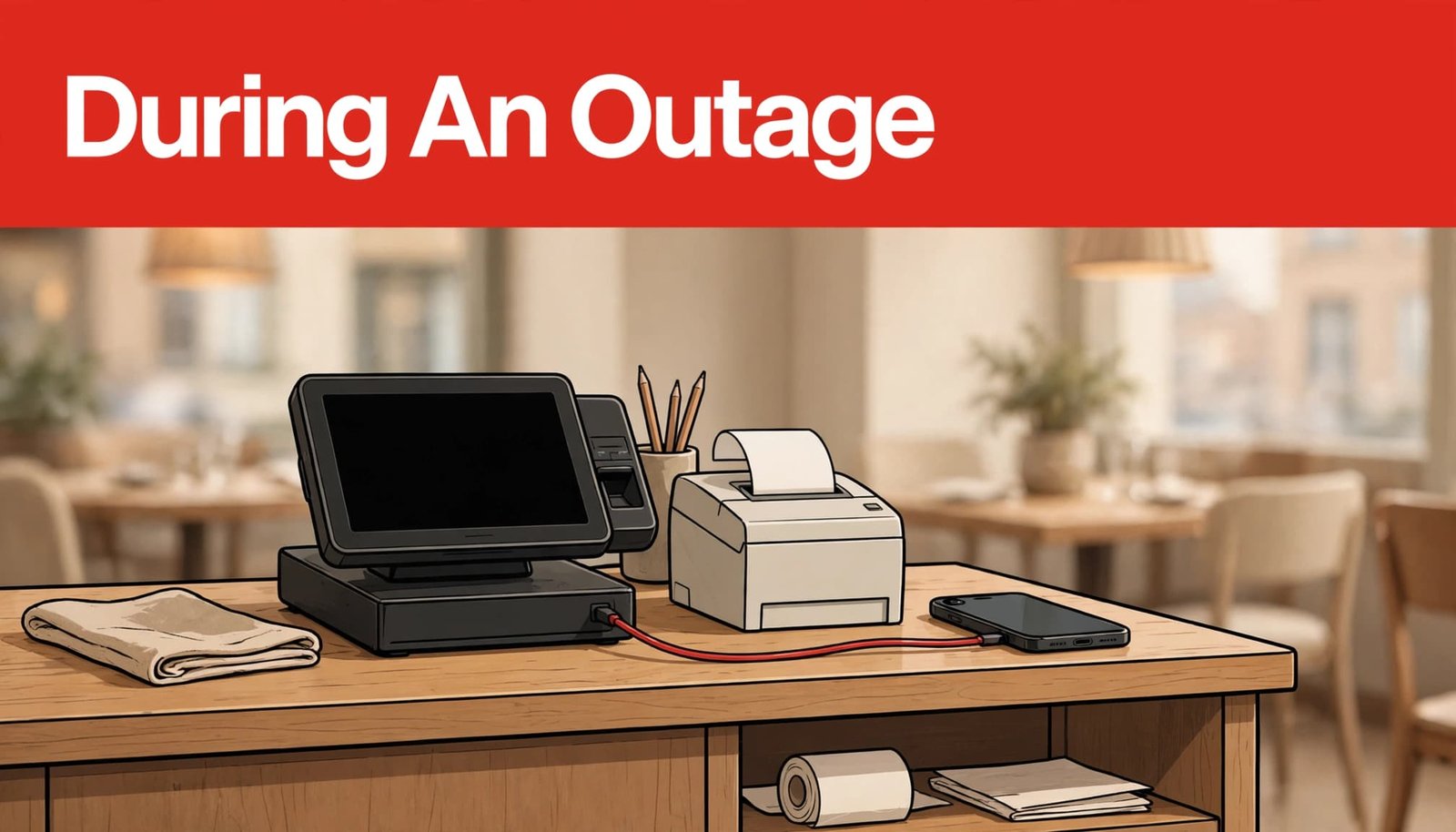
Once payments fail, give one manager responsibility for diagnosing the issue and communicating the plan. That leaves cashiers and servers free to serve customers without making conflicting promises.
Triage first, then switch methods
Follow the same sequence each time:
- Pause repeated payment attempts and check whether recent transactions show as approved, pending, or failed.
- Test another station or approved payment channel to establish how widely the problem extends.
- Check power and connectivity, then review provider notices and contact support if necessary.
- Activate only the backup connection, terminal, or offline procedure your team has already tested.
- Log affected orders and confirm their status before retrying or closing them.
Don’t reset every device at once. If one terminal is still working, preserve it while you identify the failure. For online payments, keep order records available so staff can distinguish an unpaid order from a payment awaiting confirmation.
Give customers clear choices
Tell customers what you can accept right now, using only approved procedures. Cash may help an in-person business, provided staff can issue receipts and handle change. Approved payment links and invoices can serve as alternative payment methods for some service transactions, but they won’t fit every sale. Mobile wallets still depend on the underlying terminal and payment route, so don’t assume they’ll work when cards do not.
When checkout is unavailable online, provide an accurate service update and a way for customers to contact you. Avoid promising that a payment failed until you’ve verified its status.
Add Safeguards for Online Payments
An online store has different failure points than a countertop terminal. Checkout code, a payment gateway connection, payment APIs, and order-management systems can interrupt a sale. These dependencies form part of payment infrastructure, and checkout problems can contribute to cart abandonment even when the website remains visible.
Ask your developer or platform provider how failed requests are tracked with real-time monitoring and how retries are controlled. Stripe’s Terminal integration guidance on idempotency keys describes a way to retry requests without creating duplicate payments. The principle matters for any custom payment integration: check payment status before another attempt.
A backup payment provider or automated failover may help some businesses, but these options require compatible integrations, agreements, and testing. Multi-acquirer routing sends eligible payments among acquiring connections; payment orchestration manages routing across payment services. Neither is a quick substitute for a documented outage procedure at a small checkout counter.
Reconcile Sales and Improve the Plan Afterward
When service returns, don’t treat a green connection light as proof that payments have settled. Review open checks, stored payments, online orders, receipts, and settlement reports. Match each customer payment to one order, then investigate missing approvals and duplicates before they become disputes.
For custom integrations, Stripe’s webhook documentation shows why later payment events need attention: a bank may confirm a payment after the initial request. Your team should know which system holds the authoritative status for each sale.
Document which part of your payment infrastructure failed, how long it lasted, and where employees got stuck. Record the transaction failure and note which backup worked. Then update the procedure and test it with a realistic transaction. If support response or hardware replacement caused the delay, include those findings when choosing a Tennessee payment processor.
Key Takeaways
- Test your primary connection, backup internet, spare equipment, and support contacts before a busy shift.
- Confirm your processor’s offline payment processing capabilities and limits, since they vary; stored card transactions carry approval and collection risk.
- During an outage, check transaction status before retrying, and offer only approved payment options.
- After service returns, reconcile orders, approvals, and deposits before closing the incident.
Frequently Asked Questions
Can my business accept cards without internet?
Offline payment processing may be available, depending on your POS, processor, device, and transaction type. Some systems store eligible transactions for later submission, while others can’t accept cards offline. Confirm the rules, limits, and procedures with your processor, then test your setup before relying on it.
Will a second terminal prevent payment downtime?
It can help when one reader or station fails. It may not help if both terminals use the same unavailable internet connection, gateway, or processor. Ask what each device depends on, and test the backup under the conditions it’s meant to handle.
How often should staff practice the outage plan?
Practice before launch and after meaningful changes to equipment, connections, or payment procedures. Include new managers in the test and rehearse a busy-shift scenario. Staff should know who diagnoses the problem, which payment options are approved, and who reconciles transactions afterward.
Keep Checkout Ready for the Next Busy Shift
Payment interruptions are easier to manage when your team already knows what failed, what still works, and who makes the next call. Reliable connections, tested equipment, clear processor guidance, and careful reconciliation turn an uncertain rush into a manageable procedure.
The goal isn’t to promise uninterrupted payments. It’s to keep serving customers safely and restore accurate checkout as quickly as your systems allow.