
A small Tennessee restaurant has to process more than a card payment. The system needs to handle tips, split checks, table maps, handheld payments, online orders, and daily deposits without taking too much from already-tight margins.
For many owners asking, Best payment processor for a small Tennessee restaurant with table service? Square for Restaurants is the simplest place to start. Still, Toast, Clover, or a local provider may make more sense when your operation needs deeper restaurant tools or in-person support.
Choosing a restaurant payment processor depends on how your dining room works, what you can spend, and how much contract risk you’re willing to accept.
Key Takeaways
- Square for Restaurants is a practical starting point for smaller restaurants that want public pricing and month-to-month flexibility.
- Toast often fits busy full-service operations with heavy handheld ordering and kitchen workflows.
- Compare transparent pricing models and your effective rate, including software, hardware, payment processing fees, online orders, and account fees.
- Table maps, split checks, tip adjustments, and kitchen routing matter more than a low advertised rate.
- Get every rate, fee, equipment term, and deposit promise in writing before signing.
Best payment processor for a small Tennessee restaurant with table service?
Square for Restaurants is usually the strongest first choice for an owner-operated restaurant with moderate table complexity. It offers published pricing, quick setup, and no heavily promoted long-term commitment for a small restaurant payment processor.
However, a packed dining room with several servers, handheld ordering, multiple kitchen stations, and complex coursing may outgrow Square’s lighter setup. Toast often provides a deeper restaurant workflow. Clover can also work well when a trusted local provider offers fair terms and the features you need.
Square and other aggregate payment processors can provide fast onboarding and public pricing. A dedicated merchant account may offer different processing terms or more personalized support. For local guidance on hardware and account options, review Tennessee restaurant POS systems.
| Provider type | Best fit | Pricing visibility | Table-service depth | Support model |
|---|---|---|---|---|
| Square for Restaurants | Smaller, budget-aware operations | High | Good | Remote support |
| Toast | Busy full-service restaurants | Quote-based | Extensive | Restaurant-focused support |
| Clover through a reseller | Restaurants with a strong local quote | Varies | Good to extensive | Depends on reseller |
| Local Tennessee provider | Owners who want hands-on help | Quote-based | Depends on POS | Local account support |
The lowest posted rate rarely tells the whole story. Compare feature fit, contract terms, hardware costs, and the effective rate before choosing.
Square for Restaurants offers the simplest low-risk start
Square lists a Free plan at $0 per month, Plus at $49 per location per month, and Premium at $149 per location per month. Its published plans make early budgeting easier than many quote-only restaurant systems. The monthly subscription fee still needs to be evaluated alongside processing and hardware costs. See Square’s current restaurant POS plans and pricing before making a final comparison.
For card-present payments, common published benchmarks are 2.6% plus 15 cents on Free, 2.5% plus 15 cents on Plus, and 2.4% plus 15 cents on Premium. Square’s restaurant schedule may show a 10-cent fee on some Free-plan transactions, so confirm the exact rate in your account offer. Online and manually entered payments cost more.
Square supports split checks, tipping, QR payments, online ordering, inventory, and basic floor plans. Higher plans add stronger seat and course management. This restaurant POS software keeps setup simple and pricing clear, but it offers less restaurant-specific depth than Toast.
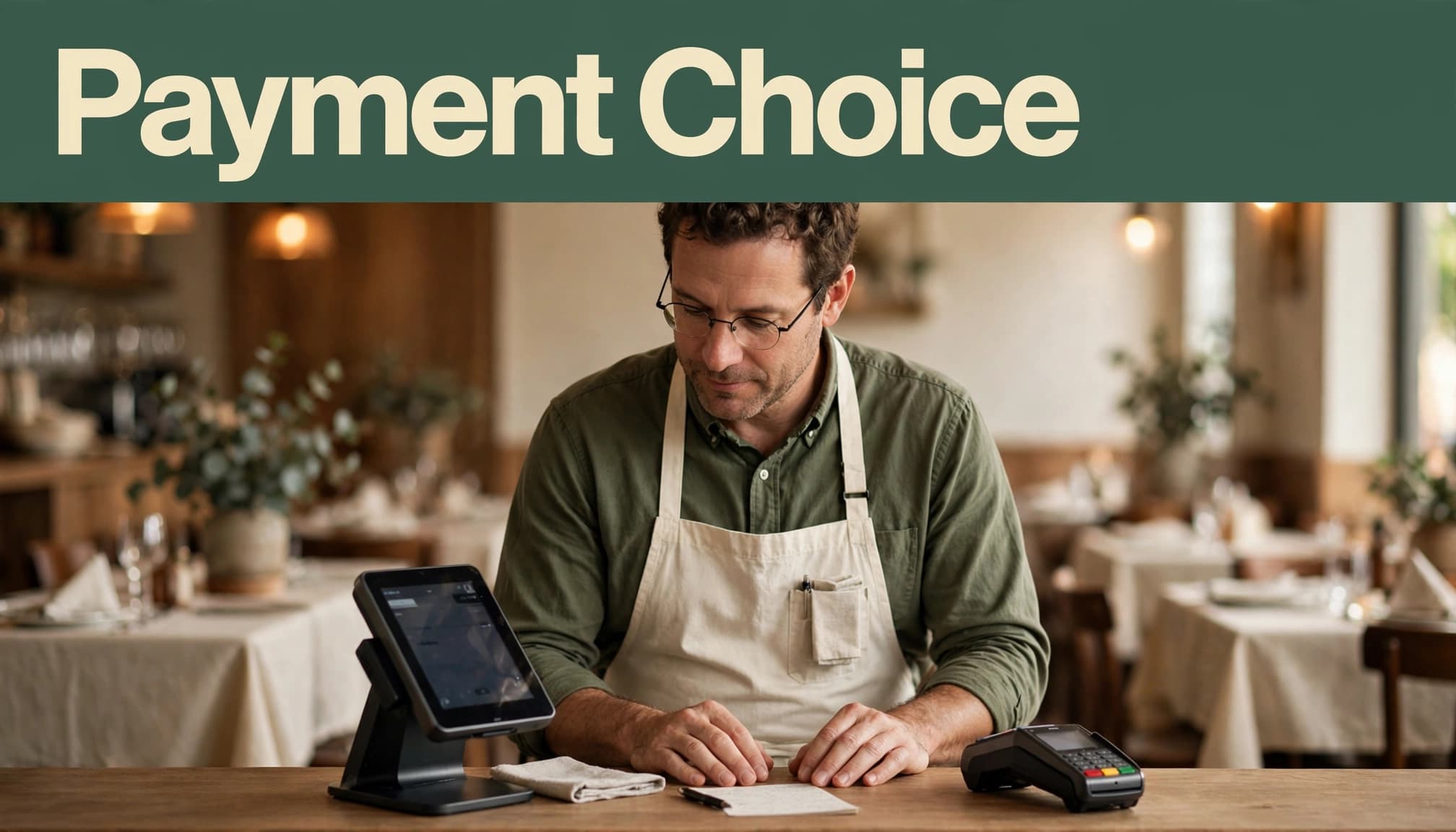
Toast, Clover, and local providers serve different needs
Toast is built around restaurant service. Its tools can include handheld tableside ordering, coursing, kitchen display systems, inventory, reporting, and connected front-of-house and back-of-house controls. Its POS system integration connects ordering, kitchen, payment, and reporting workflows. Toast also offers tableside payment capabilities for handheld checkout and closing checks at the table.
Pricing often combines software, processing, hardware, and add-ons, so onboarding can take more planning. A current Toast POS pricing review can help frame the questions to ask.
Clover restaurant packages may include table maps, coursing, split bills, bar tabs, handheld devices, and online ordering. Check whether the online ordering integration connects pickup, delivery, and dine-in workflows as closely as you need. Clover hardware is commonly sold through banks, agents, and merchant-service resellers. That means processing rates, support quality, lease terms, and cancellation fees can vary widely.
A Tennessee-based provider can be a good choice when you want onsite setup, negotiated pricing, and a real person to call. Read every line for PCI, gateway, statement, equipment, and early termination fees.
Compare restaurant payment processing costs before signing
A restaurant payment processor’s advertised swipe rate is only one part of your bill. Payment processing fees, software subscriptions, hardware, online orders, batch fees, chargeback fees, and average ticket size all affect your actual cost.
Percentage costs and per-transaction charges make up much of your credit card processing bill. A restaurant’s transaction count and average ticket help determine which costs matter most.
For credit card processing, a restaurant handling $40,000 per month across 1,600 transactions pays more attention to per-transaction fees than one processing the same volume through 500 larger checks. A 15-cent fee adds $240 across 1,600 sales before percentage-based charges begin.
| Pricing model | How it works | Watch for |
|---|---|---|
| Flat-rate pricing | One set percentage and per-sale fee, often simple for smaller operations | Higher total costs at larger volume or with higher average tickets |
| Interchange-plus pricing | The card networks’ cost plus a stated markup from the processor | Interchange varies by card type, transaction details, and the issuing bank |
| Tiered pricing | Transactions fall into qualified, mid-qualified, or nonqualified tiers | Unclear categories and higher tiers that make costs difficult to predict |
Flat-rate pricing can suit a restaurant with steady sales and a modest average ticket. Interchange-plus pricing may cost less at higher volume, especially when transaction totals are larger. Compare both against your actual sales mix.
Ask for a quote based on your actual monthly card sales, transaction count, average ticket, online volume, and tip totals. The effective rate means your total processing cost divided by total sales, not the advertised rate.
Also confirm whether the quoted rate applies to the full charged amount, including tips. That detail changes the math in restaurants with strong gratuity volume.
Published rates versus custom quotes
Square makes public comparisons easier because it posts plan prices and payment rates. Toast, Clover resellers, SpotOn, and local merchant-services providers often need to review your operation before quoting.
Ask each provider for the effective rate, monthly minimums, contract length, auto-renewal language, cancellation fee, hardware ownership terms, payment gateway costs, and the credit card processing fees included in writing. Don’t compare one company’s in-person card-present rate against another company’s all-in monthly estimate.
Square’s broader processing-fee information also separates in-person and remote-payment costs. That distinction matters if catering, takeout, delivery, or phone orders make up a sizable share of sales.
Simple flat-rate providers may be easier to understand than aggregate payment processors or dedicated merchant-account arrangements. Still, the effective rate provides the fairest comparison across different pricing structures.
Hardware and software costs can change the answer
A single-register cafe may begin with one countertop terminal, receipt printer, cash drawer, and kitchen printer. A full-service restaurant may need a host station, bar terminal, service-station register, kitchen display screens, and mobile POS hardware.
The broader restaurant hardware package can include registers, printers, drawers, screens, and handheld devices. Buying equipment costs more upfront, but you own it. A lease can lower the first bill while costing much more over several years.
Software may also include a monthly subscription fee. Check warranty coverage, replacement rules, ownership terms, software updates, and whether the processor can lock the hardware to its account. These details affect your total cost.
The table-service features a Tennessee restaurant should not skip
A restaurant payment processor should connect orders, tips, taxes, kitchen tickets, payments, reports, and sales analytics. Strong POS system integration keeps front-of-house and back-of-house data aligned. If staff have to re-enter information, errors multiply during a dinner rush.
A practical feature list for restaurant POS software is available in these restaurant POS features worth having. Start with the workflows your servers and managers use every shift.
Table maps, split checks, tips, and handheld payments
Your floor plan should show tables clearly, track seats, and let servers move or reopen checks without confusion. The system should split a bill by item, seat, or equal share. It should also support bar-tab pre-authorizations, voids, refunds, and tip adjustments.
Handheld EMV and NFC devices support tableside payment capabilities, including contactless payments. They can reduce card-handling mistakes and keep guests from waiting on a payment terminal.
Restaurants that serve alcohol should confirm their own age-check and compliance process. Don’t assume the POS handles every local policy automatically. For more detail, explore Tennessee pay-at-the-table solutions.
Online ordering, kitchen routing, and Tennessee tax settings
Dine-in, pickup, delivery, and online orders should flow into one menu and reporting system. Look for kitchen routing, modifiers, inventory management, item availability, automatic 86ing, printer or KDS support, and quick menu updates.
Before signing, verify Tennessee and local tax setup, PCI compliance, tip reporting, offline mode, next-day funding, EMV support, and NFC support. Test these settings with real menu items and real check scenarios.
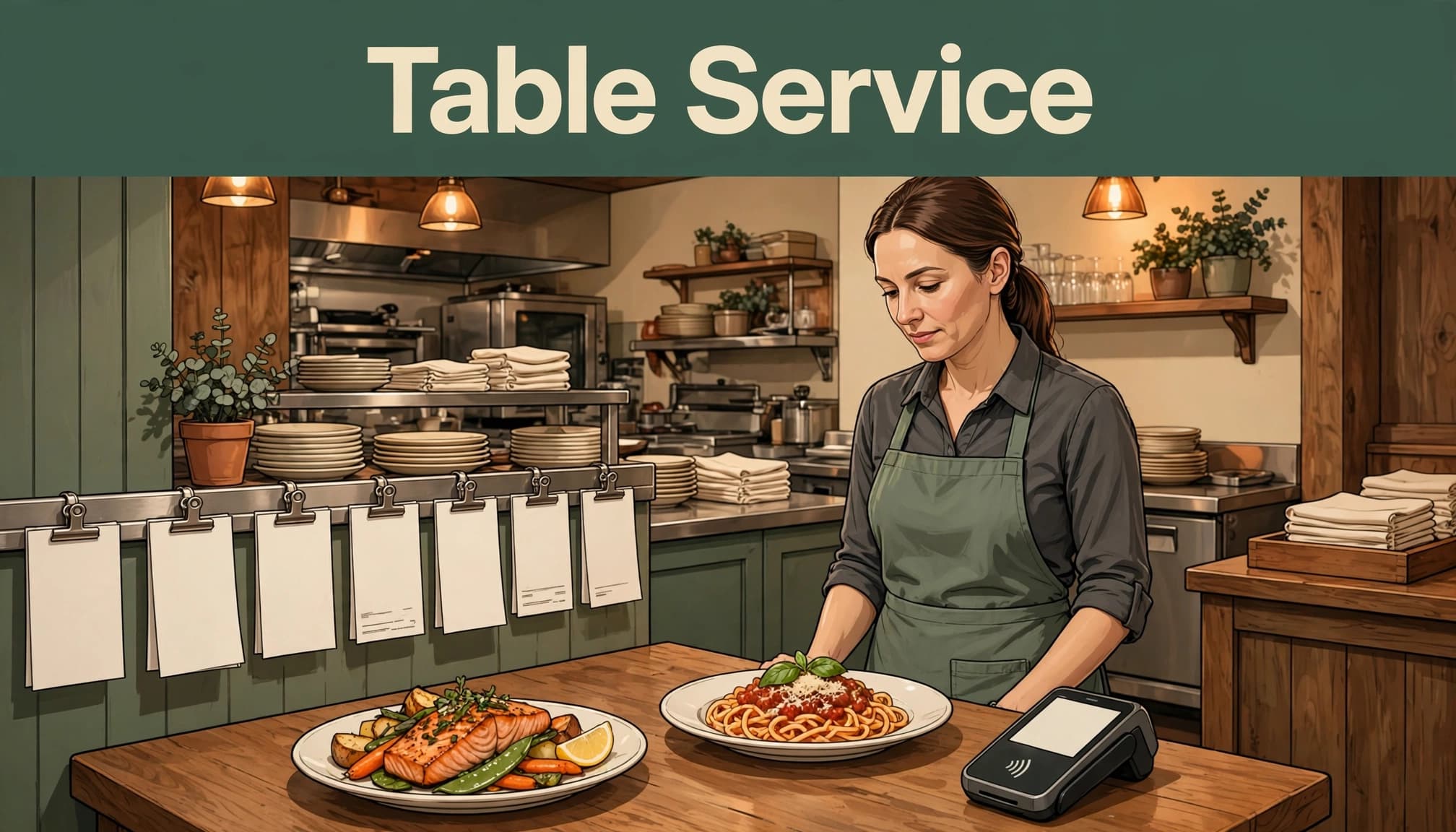
How to choose the right processor for your restaurant’s size and service style
Square is a sensible restaurant payment processor for a small restaurant that values fast setup and predictable public pricing. Toast is often better for busy full-service operations that rely on handheld ordering, detailed kitchen routing, and deeper controls.
Clover can be a strong option when a reputable local agent provides transparent pricing and restaurant-ready tools. A Tennessee provider may deserve serious consideration when local installation and account guidance matter. Ask for a written proposal showing your effective rate, then compare it using your own sales volume and credit card processing needs.
Compare aggregate payment processors with local providers and a dedicated merchant account before deciding. The right choice depends on pricing, support, equipment, and how well the system fits your service style.
The Best payment processor for a small Tennessee restaurant with table service? It’s the one your team can use correctly during a packed shift. Test ordering, tipping, refunds, reporting, and deposits before you go live.
Questions to ask every sales representative
Ask these questions before accepting a proposal:
- What is the all-in effective rate, and does the quote use interchange-plus pricing or flat-rate pricing?
- Does the agreement include a contract, auto-renewal, or early termination fee?
- Who owns the equipment after the agreement ends?
- What do PCI, statement, payment gateway, batch, equipment, and chargeback fees cost?
- Can servers adjust tips after authorization, and does the system work offline?
- How quickly do deposits arrive, and is phone support available after hours?
- Is the merchant account dedicated to my business, or will funds flow through an aggregate account?
- Can you export customer, menu, and sales data if you switch providers?
If a provider suggests a dual pricing program or cash discount program, require clear customer-facing disclosures. Review the arrangement against Tennessee rules, card-network requirements, and processor policies before using it.
Common payment processing mistakes small restaurants make
Many owners choose the lowest advertised rate without checking fixed fees and credit card processing fees. Others accept a long equipment lease or overlook fees tied to online ordering.
Don’t skip testing split checks, tip adjustments, and payment outages. A slightly higher transparent rate may cost less than a low quote filled with monthly fees and weak support. Read the merchant agreement before the equipment arrives.
Frequently Asked Questions
Is Square good enough for a small full-service restaurant?
Square can be a strong fit for smaller restaurants with moderate table complexity. It works best when quick setup and clear pricing matter most.
Restaurants with many servers, complex coursing, multiple kitchen stations, or heavy handheld use may prefer Toast or another restaurant-first platform.
Is Toast cheaper than Square for restaurant payments?
There is no universal answer because Toast pricing can combine software, hardware, credit card processing, and add-on fees. Compare each provider’s effective rate using your restaurant’s actual statement, not a promotional rate.
Also compare total annual cost based on your sales volume and equipment needs.
Can a Tennessee restaurant negotiate credit-card processing rates?
Many local merchant-service companies and resellers can negotiate rates or bundle terms. A merchant account may involve different underwriting, support, and funding terms, while an aggregate provider may offer easier setup.
Get each promise in writing, including PCI compliance, gateway, equipment, minimum, and early termination fee details.
What POS features matter most for table service?
Floor plans, seat tracking, split checks, coursing, tip handling, handheld payments, kitchen routing, and menu controls are core features. Online ordering, reporting, inventory, and outage procedures also matter.
Should a small restaurant buy or lease POS hardware?
Buying hardware can cost more upfront but often reduces the total cost over time. Leasing may create a lower initial bill and a longer financial obligation.
Compare the full hardware cost, including monthly payments, term length, setup charges, and ownership terms.
How can I compare a local Tennessee processor with Square or Toast?
Give every provider the same sales scenario, including monthly card volume, average ticket, online sales, terminals, handhelds, and support needs. Then compare total monthly and yearly cost, contract flexibility, deposit timing, and local support.
Make the Choice With a Real Cost Comparison
Square for Restaurants is a sensible first choice for many small Tennessee table-service restaurants that want clear pricing and a quick launch. Toast may justify a more involved quote when advanced full-service operations drive your daily workflow, while Clover or a local provider can work when its contract and all-in pricing are competitive.
Gather recent processing statements, list your required table-service features, and compare two or three written proposals. Compare the effective rate, total fees, and contract terms, then confirm clear terms and a tested workflow instead of relying on a promotional rate alone.