
A long lunch line can expose every weak spot in your checkout process. The right food truck POS system Nashville operators choose should keep orders moving and accept payments reliably during a tight service window.
Your needs will change between a weekday Nashville brewery stop, a farmers market, and a packed festival. A handheld POS device can help staff take orders or payments in each setting, but it needs dependable connectivity and battery support. Choose a system that fits today’s service and handles busier shifts without workarounds.
Key Takeaways
- Choose a POS around your actual order flow, menu complexity, and busiest service periods.
- Prioritize compact hardware, cellular backup options, and clearly tested offline-payment procedures.
- Compare free POS software by total first-year cost, payment processing, hardware needs, and support.
- Configure modifiers, item availability, tips, receipts, and kitchen routing before launch.
- Verify Tennessee tax setup and mobile-food requirements separately from your POS purchase.
Start With How Your Truck Takes Orders
A point of sale system combines the hardware that accepts payment with software for orders, menu management, sales reports, and often inventory. A polished demo matters less than how it handles your busiest 20 minutes.
Map the customer path
Watch how a guest moves through your window. At a Nashville brewery stop, online ordering can organize scheduled pickup, while QR code ordering can support festival pickup. Neither option is essential, but your POS should make the chosen path quick, with fewer taps and clear order status.
For a counter-service truck, prioritize large menu buttons, quick modifiers, contactless payments, tips, and clear customer receipts. If you take pre-orders for events, the system also needs to separate scheduled pickup orders from walk-up tickets.
Build your real menu in the demo
Ask each vendor to load several of your actual items. Include a combo, an allergy note, an extra topping, a sold-out item, and a complicated modification.
Required modifier groups prevent incomplete orders. A burger that needs a side selection should not reach the kitchen without one. However, avoid prompts that slow down simple items such as canned drinks.
A POS reduces order mistakes when it preserves one original order from the customer window through kitchen prep and reporting.
A Food Truck POS System Nashville Owners Can Run Anywhere
A food truck POS system Nashville owners depend on has to work in a small, hot, mobile workspace. Hardware should earn its counter space, and every device needs a practical charging plan.
Keep the counter compact
Hardware options may include a compact touch screen terminal, handheld card reader, receipt printer, and cash drawer. This setup may be enough for small food trucks. A handheld POS device can let one employee take payments outside the window during a rush.
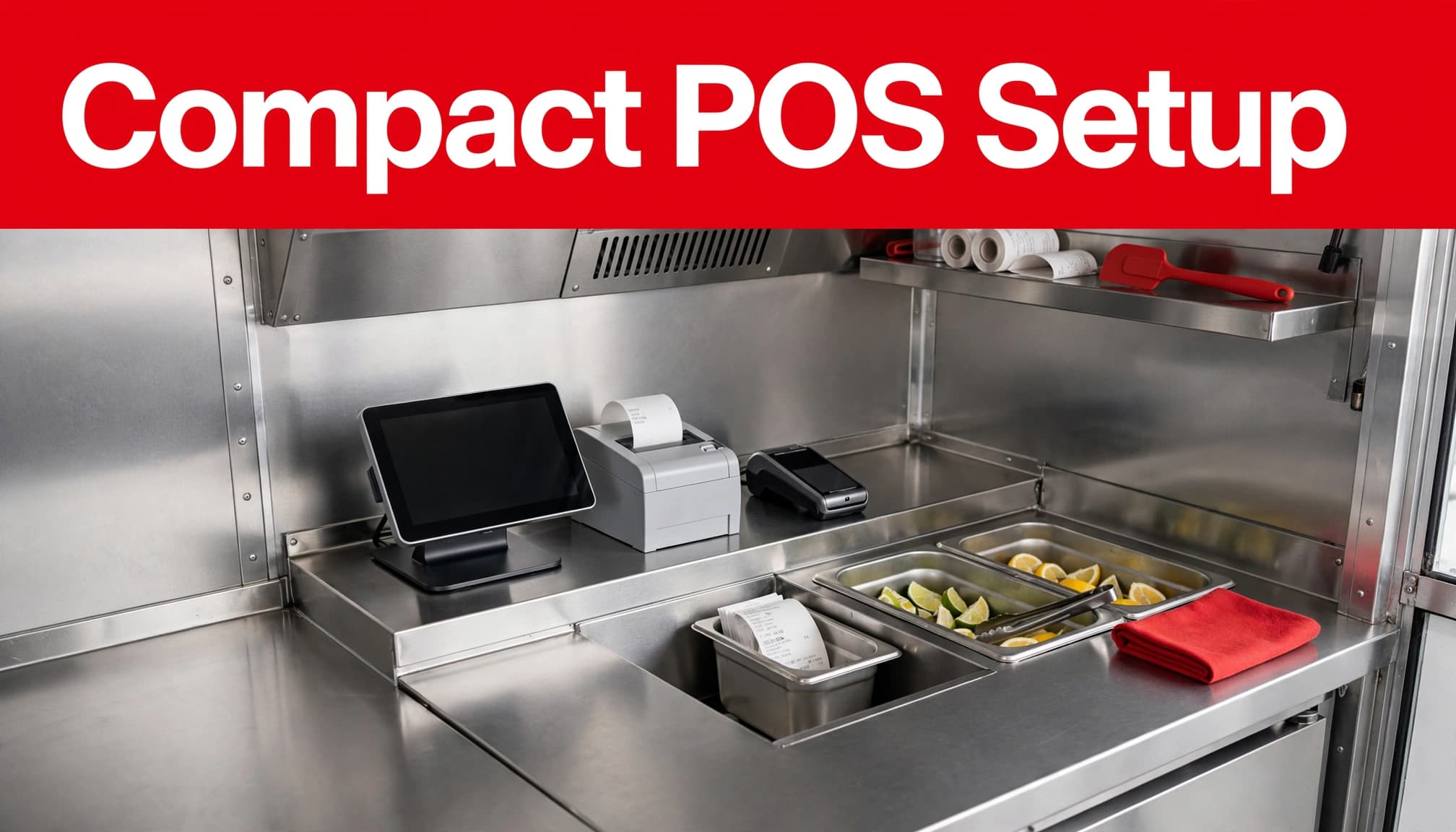
Before committing, measure the counter, storage shelf, power outlets, and mounting area. Ask whether each device works independently or depends on one base station. Also confirm battery life, replacement coverage, and whether the equipment is tied to one payment processor.
Reliable card acceptance, charging, compact storage, and a tested outage procedure are must-haves. A second handheld POS device is a nice-to-have for outdoor line-busting or backup use.
For a local starting point, review available food truck POS systems alongside your own equipment and workflow needs.
Test connectivity and offline limits
Mobile internet connections can vary by Nashville parking location, building interference, weather, and event crowds. A backup hotspot may help, but it does not replace an outage plan.
Ask the provider to explain exactly what happens when the internet drops. Can staff still enter orders? Can the kitchen receive tickets? Which offline payments can be stored for later processing? Are tips, refunds, gift cards, loyalty accounts, and online orders available? Also ask how processor dependence may affect card processing fees during an outage.
Offline mode has limits and may create payment risk. Test it by disconnecting a device in a controlled setting, processing a small order, restoring service, and checking that transactions and reports reconcile correctly.
Keep Orders Clear From Window to Kitchen
Fast service depends on order details reaching the right person without being rewritten, shouted, or guessed at. This matters most when the truck has multiple prep stations.
Use kitchen routing that matches prep work
A Kitchen Display System, or KDS, sends digital tickets to a screen instead of printing paper. It’s most useful when multiple stations or complex modifiers require detailed routing. For a smaller Nashville truck, a printer or simple order screen may be enough.
The key detail isn’t the screen itself. The kitchen must see the item, quantity, modifier, special instruction, and order timing exactly as the cashier entered them. Ask how the system handles additions, voids, held items, and order status.
Restaurant-focused platforms such as Toast, Clover, Lavu, and Square differ in how deeply they handle kitchen workflows. Square describes its platform as suitable for venues including food trucks through its restaurant POS overview, while more complex operations should test routing before choosing a plan.
Connect online ordering to one menu
QR code ordering can shorten lines at festivals and give regular customers an easy pickup option. Yet it creates problems when the online menu doesn’t match the truck’s live menu.
Look for one place to update prices, modifiers, taxes, and item availability. During an event, QR code ordering should reflect sold-out items quickly, so customers don’t order food your team can’t fulfill.
Inventory management can be simple at first. Basic inventory management counts for high-cost proteins, beverages, and popular add-ons can help staff mark items unavailable before service issues arise.
Compare the Full Cost, Not the Headline Price
Free POS software or a low monthly subscription may fit a startup. But free POS software isn’t always the lowest-cost option once hardware and payment processing are included. Pricing, card processing fees, processing rates, contracts, support, and integrations can change in 2026.
Price the complete setup
Request a written proposal based on your expected monthly card volume, average ticket, number of terminals, online orders, and delivery needs. Ask each provider to show payment processing terms in that quote, then compare the same scenario across two or three providers.
Include these costs in every quote:
- Monthly software and add-on subscriptions for inventory management, KDS, customer loyalty program, payroll, or online ordering.
- Hardware purchase or lease payments, setup fees, warranties, and replacement terms.
- Card processing fees, per-transaction fees, statement fees, PCI-related charges, and chargeback fees.
- Contract length, auto-renewal language, cancellation charges, and deposit timing.
A useful comparison is your effective rate, calculated by dividing total card processing fees by total card sales. It reveals costs that a low advertised rate can hide.
Match the provider to your stage
Square POS may appeal to operators who value quick setup and visible pricing. Toast Restaurant POS often suits businesses that need restaurant-specific controls, especially quick service restaurants with higher order volume. Clover POS hardware can be flexible, but pricing, support, and contract terms may differ by reseller.
Lightspeed POS and SpotOn POS may also fit different operating models, so compare their hardware, integrations, support, and processor terms rather than relying on brand reputation alone. A local provider can make sense when onsite setup and support matter.
For example, the listed quick-service restaurant POS pricing shows plans beginning at $105 per month and reaching $200 per month, with online ordering included in the described packages. Nashville operators should confirm the current written quote and processor terms before signing. Treat any quote as a starting point, then confirm every included feature and fee in writing.
Set Up Taxes and Compliance Before Service Begins
Your POS can apply only the Tennessee tax settings you configure, but it can’t determine every obligation for a food truck business. Confirm your setup before your first event, not after a month of sales needs correction.
Use the right business location settings
Tennessee’s Sales and Use Tax Guide says mobile vendors making sales at temporary locations should register their primary business location. Read the state’s Sales and Use Tax Guide and verify how your truck’s sales, event locations, and reporting responsibilities apply.
Configure the business address, tax settings, taxable items, and reporting periods in the POS. Then run a test sale and review the receipt, sales tax calculations, and sales-tax report. Confirm current Tennessee rules with the Department of Revenue or an appropriate local office, especially since tax requirements may change in 2026.
Separate POS setup from permits
Food safety approvals, parking permissions, event rules, and Nashville-area business-tax obligations sit outside the payment terminal. Nashville-area festivals, markets, brewery events, and private catering jobs may each have separate conditions.
Start with Tennessee’s mobile food establishment information, then verify requirements with the relevant organizer and government office. Permit requirements may change in 2026, so check current guidance before each season. If you need help identifying a business-tax classification, Tennessee directs businesses to a county clerk, city business tax office, or the Department of Revenue.
Test the System During a Simulated Rush
Your POS should feel simple when two people are ordering, cooking, taking payment, and answering pickup questions at once.
Run a 10-order stress test
Create ten realistic orders in a row. Add modifiers, a refund, a split payment, a cash sale, and a contactless card sale. Use a handheld POS device for line-busting, then test QR code ordering for festival pickup. Include an item that goes out of stock and briefly test an internet or device outage. Check whether the right order reaches the kitchen and whether staff can find it again.
Prioritize payments, refunds, outages, order routing, and reconciliation before testing advanced features.
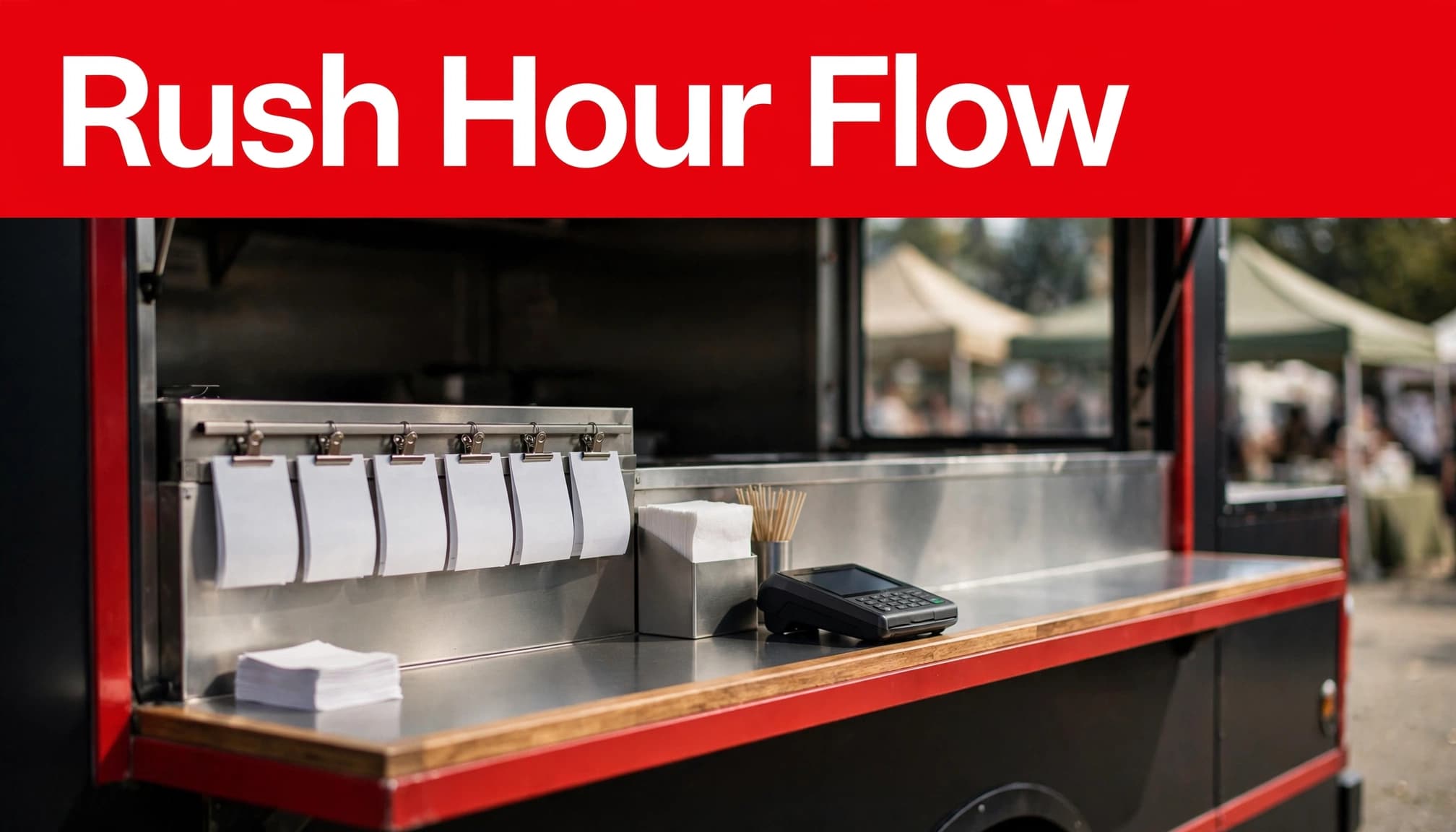
Then review the report using real-time reporting. It should separate sales, taxes, tips, refunds, voids, and payment types without manual spreadsheets.
Check support and multi-truck controls
Ask who answers after-hours support calls and whether help is available during weekend events. Compare replacement policies across options, including Toast Restaurant POS, if a payment reader fails.
If you plan to add a second truck, catering trailer, or permanent counter, verify whether menus, stock, and employees can stay separate by location. Strong inventory management should support location-level controls while reports still roll up into one owner view. These multi-truck features are useful, but they shouldn’t outweigh reliable service during a rush.
Use This Buyer’s Checklist Before Signing
Bring this checklist to every POS demonstration and proposal review:
- Can a new employee enter a complete order without handwritten notes or repeated taps?
- Can a handheld POS device stay synced with the main system during a rush?
- What functions remain available during an internet outage, and what risks apply to offline payments?
- Does the system accept credit and debit cards, chip, tap, mobile payments, cash, and tip-adjusted transactions?
- Can it route orders to a printer or Kitchen Display System with modifiers intact?
- How do online ordering, QR code ordering, menu updates, 86ed items, and inventory counts stay in sync?
- Can sales data export to your accounting software without duplicate entry?
- If it offers free POS software, what features, support, hardware, and processing limitations apply?
- Who owns the hardware, and what happens if you change processors or cancel?
- What are all card processing fees, chargeback costs, contract terms, support hours, and optional charges for loyalty tools or advanced reporting?
Frequently Asked Questions
What is the best POS choice for a limited startup budget?
Choose the system with the lowest current first-year cost for your Nashville truck’s payment volume, not its brand reputation or monthly software price alone. Free POS software may reduce upfront costs, while Toast Restaurant POS offers a paid, restaurant-oriented option to compare. Include hardware, subscriptions, and card processing fees in the total.
A basic setup with one terminal and essential ordering features may be enough at launch. Add advanced inventory, loyalty, or kitchen screens when your sales and workflow justify them.
Can a food truck accept cards without internet access?
Some systems support offline payments during an outage, but capabilities and risks vary. Stored transactions, tips, refunds, gift cards, and online orders may follow different outage rules. Ask the provider for written details and train staff on the fallback process.
Do food trucks need a Kitchen Display System?
A Kitchen Display System (KDS) helps when multiple people prepare orders or modifiers frequently get missed. A small one-person operation may manage well with a kitchen printer or simple order screen. Test both options against your busiest menu and service pace.
How should tips and customer receipts work?
Your POS should offer a clear tip prompt for card sales and record tip totals in reports. It should also give customers a choice of printed, texted, or emailed receipts when available. Review tip adjustments, refunds, and end-of-day reporting before going live.
Choose for the Rush You Expect
The best food truck POS system Nashville operators can buy is the one their team can use accurately during a packed service window. Reliable payments, clear kitchen tickets, realistic outage procedures, and transparent costs matter more than an impressive feature list.
Test every contender with your menu, your service style, and your busiest event scenario. A system that holds up under that pressure can support the next truck, the next festival, and the next stage of your business.