
A slow line, a missing bottle, or the wrong tax on a receipt can create an expensive daily problem. The right liquor store POS system keeps checkout moving while giving owners a clearer view of inventory, staff activity, payment costs, and sales.
For Tennessee operators, the best setup fits the store’s busiest 20 minutes, not just a polished sales demonstration. Compare software pricing with real performance during peak periods, rather than treating the lowest monthly fee as the deciding factor.
Key Takeaways for Tennessee Store Owners
A modern POS should support fast barcode checkout, reliable card and cash payments, bottle-level inventory, age-check prompts, and detailed reporting. Those are the must-haves for a package store that wants fewer surprises during a busy shift.
Before choosing a system, test it using real products, real returns, and real store workflows. Include a high-value bottle, a case break, a discount, a regulated-item return, and an online pickup order.
Payment processing costs deserve the same scrutiny as POS features. A low monthly software price can lose its appeal if the processor markup, equipment agreement, or required integrations raise your total cost over time.
What a Liquor Store POS System Must Handle at the Counter
Fast checkout isn’t a luxury in alcohol retail. Customers often arrive during a rush, want a quick answer about price or availability, and expect chip, tap, mobile wallet, and cash payments to work without delays.
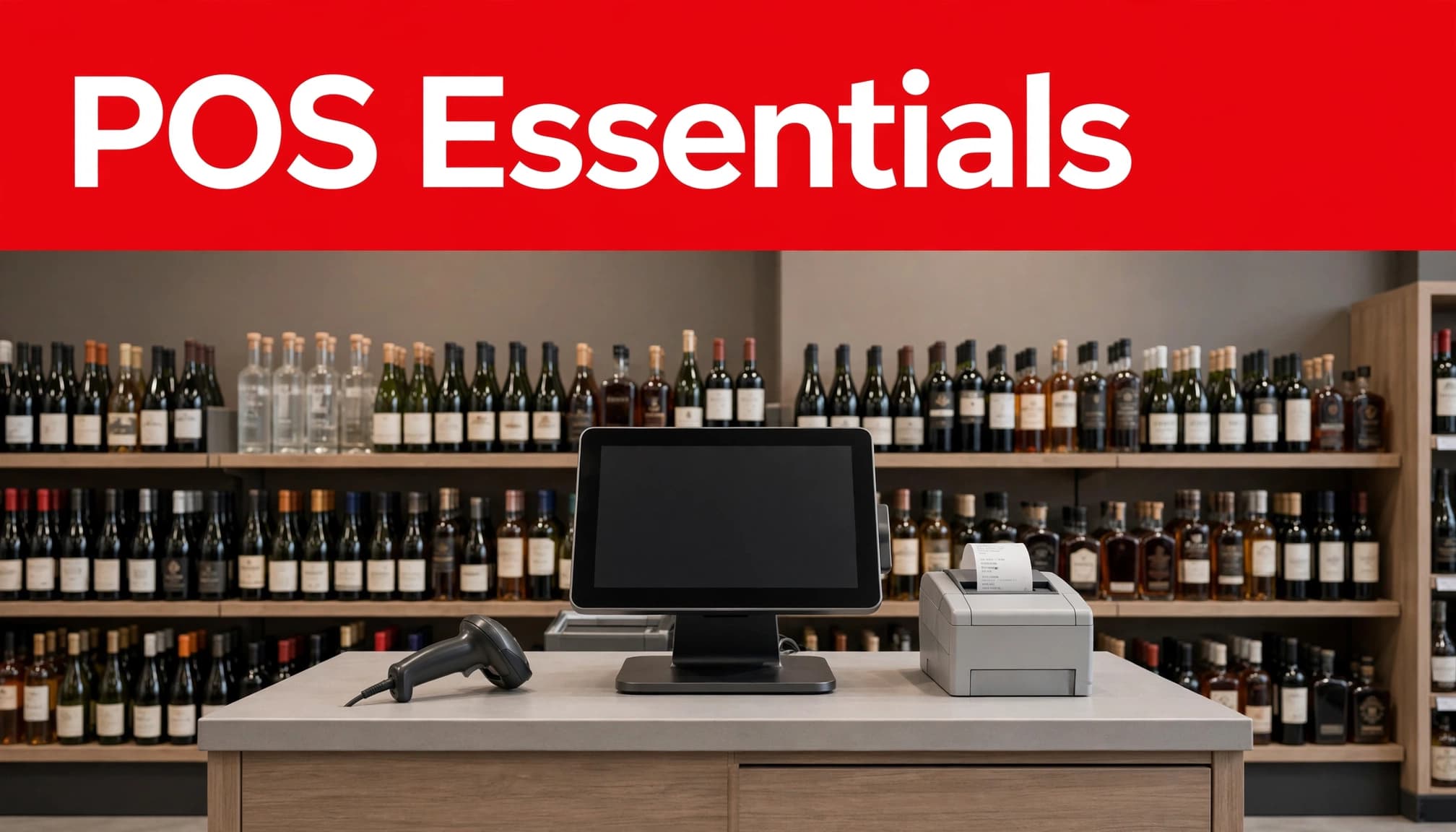
A dependable liquor store POS system should connect the scanner, cash drawer, receipt printer, payment terminal, and inventory records in one practical workflow. Staff shouldn’t need to search through separate screens to find a common bottle or correct a simple mistake.
Build the Demo Around Real Store Traffic
Ask each provider to load actual store items before the demonstration. Include a popular bourbon, a six-pack, a single beer from a case, a gift bag, and a product with a manager-approved discount.
Then run the transactions your team handles every week:
- Scan a full basket and accept a contactless card payment.
- Search for an item when its barcode won’t scan.
- Process a return using receipt lookup and manager approval.
- Sell an item marked for an age-check prompt.
- Suspend a sale while another customer pays at a second station.
A system that handles these moments in a few clear steps helps employees stay confident and customers keep moving.
Plan for Internet and Hardware Problems
Every vendor should explain what happens when the internet drops, a terminal loses power, or a scanner fails during a Saturday rush. Some systems can store limited transactions locally for later processing, but procedures vary by provider and payment setup.
Confirm the exact offline rules in writing. Ask whether inventory updates, receipts, contactless payments, returns, and online pickup orders continue to work. Compare hardware pricing by reviewing replacement coverage, spare equipment, and support costs, rather than focusing only on the initial quote. Keep a documented fallback process, spare receipt paper, and trained staff who know which transactions need review once service returns.
Inventory Management Must Track Cases and Individual Bottles
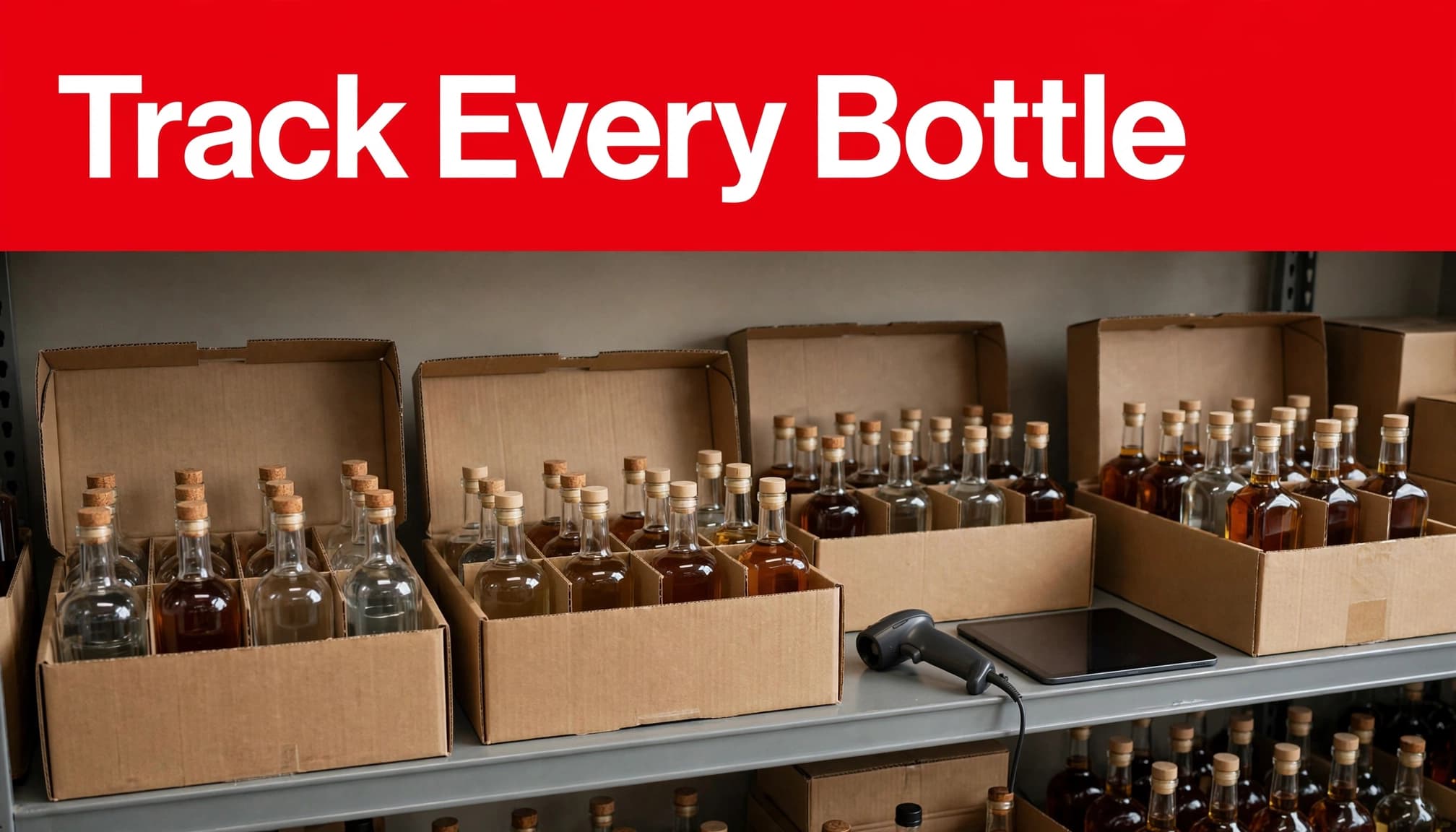
Liquor inventory is not a simple count of what is on the shelf. One distributor case can become 6, 12, or 24 separate saleable units. If the POS cannot handle case breaks, the store may show product available when it is already gone, or show false shortages after a busy weekend.
Strong inventory tracking links receiving, on-hand counts, purchase orders, cost updates, and sales history. The same stock record should support counter sales, online availability, and reordering. It also gives owners a better view of which products turn quickly and which ones are tying up cash. During receiving, the system should reconcile item-level charges, including bottle deposits, where applicable, with product costs.
Protect Margin With Case-Break Controls
The system should convert a case into individual bottle inventory without manual spreadsheet work. When a cashier sells one bottle, that sale should reduce the same stock pool used for in-store counts, online ordering, and reordering.
Set up a SKU and barcode for every sellable variant. A 750 mL bottle, a 1-liter bottle, and a premium gift set should not share one generic item record. Track bottle deposits, where applicable, at the item level so charges stay tied to the correct sellable unit.
A sale cannot protect your margin if the system records the wrong unit, wrong cost, or wrong quantity.
Use low-stock alerts based on supplier lead times, not a random number. A fast-selling tequila may need an alert several days before it runs out. A seasonal product may need a lower reorder point so excess inventory does not sit in the back room for months.
Make Retail Shrinkage Visible Instead of Guesswork
High-value whiskey, allocated releases, rare wine, and large-format bottles deserve tighter controls. Your POS should require reason codes for damaged goods, theft, breakage, expired items, price adjustments, and inventory corrections.
Managers should review negative on-hand counts, repeated voids, unusual discounts, and frequent returns each week. The goal is not to turn every employee into an auditor. It is to spot a pattern while it can still be corrected.
A useful liquor store inventory management guide can also help operators connect sales data with purchase orders, stock alerts, and product performance.
Age Verification, Taxes, and Staff Permissions Need Attention
A POS can make compliance routines easier to follow, but it can’t replace employee judgment, training, licensing, or written store policies. The most useful systems prompt cashiers at the right moment and make manager approvals clear.
Tennessee package store owners should keep current requirements close at hand through the Tennessee Alcoholic Beverage Commission licensing resources. Requirements can change, and a POS provider should never be your only compliance source.
Use Age Verification Prompts to Slow Down the Right Sale
The Tennessee ABC states that retail package stores must check identification for a person who doesn’t reasonably appear to be 50 or older during a face-to-face transaction. Review the current Tennessee package-store ID guidance with your staff and counsel where needed.
A POS should flag regulated items, prompt for an ID check, and record the employee completing the sale. ID scanning can add consistency, but it isn’t a substitute for trained employees who recognize questionable or expired IDs.
Restrict alcohol returns, voids, refunds, price overrides, and inventory adjustments to approved user roles. A manager approval requirement creates a record and reduces costly errors.
Configure Tax Rules Before Opening Day
Your system applies the tax settings you enter. It can’t decide whether an item belongs in the correct product category, so item setup matters before the first sale.
Configure tax rates by physical store location, test receipts, and review sales-tax reports with real items and discounts. Set up bottle deposits where applicable, and verify their treatment with current official guidance.
Tennessee sales and use tax returns and payments are filed electronically through TNTAP. Accurate item, tax, and transaction reports support compliance reporting and make month-end reconciliation less painful. The Department of Revenue’s alcoholic beverage tax information is a useful starting point for confirming what applies to your business.
Payment Processing Should Not Be an Afterthought
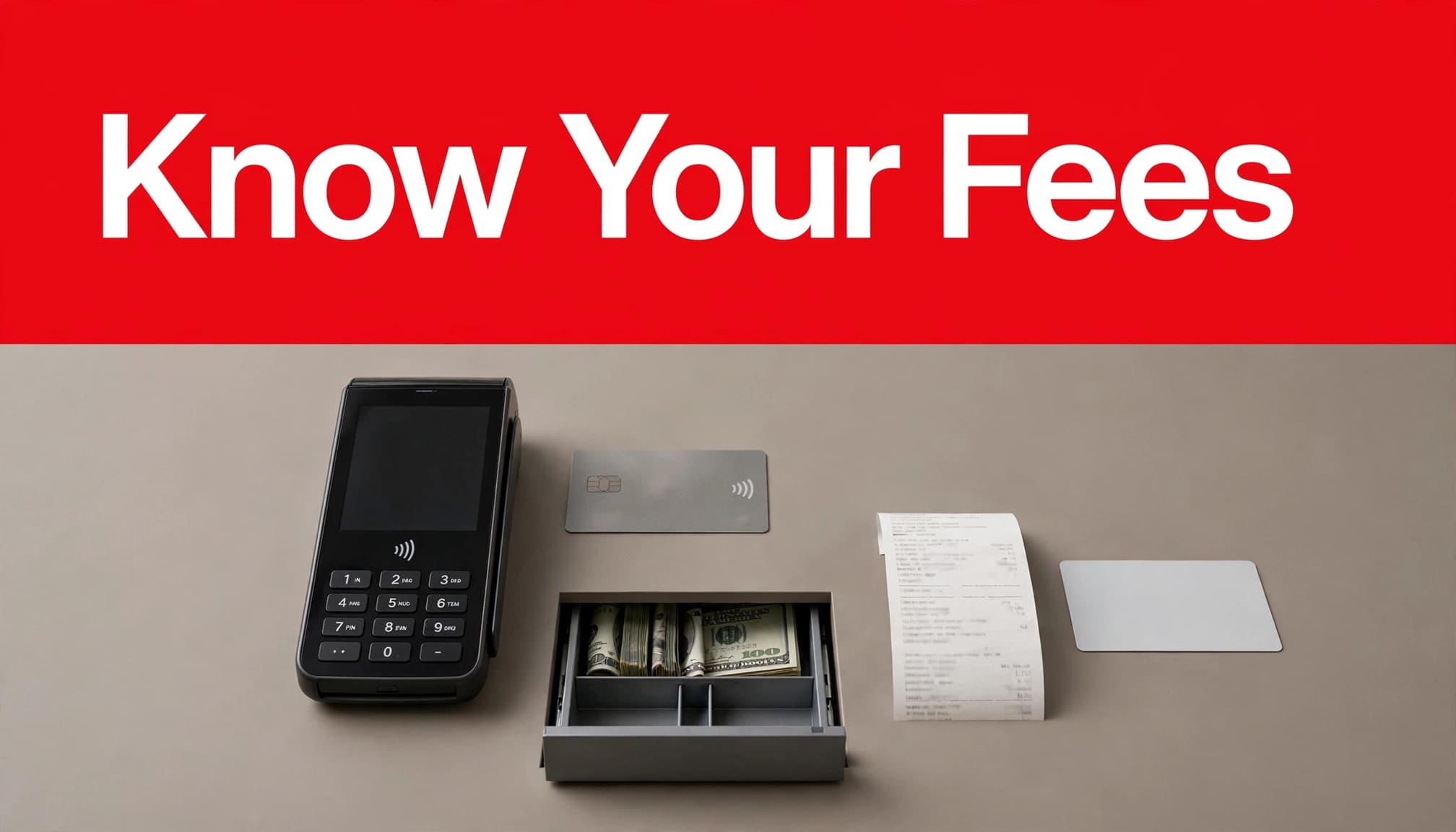
A POS quote may look affordable until payment fees, gateway charges, compliance fees, equipment terms, and contract language appear later. Your payment processing provider affects every card sale, so compare it with the same care you give inventory features.
Processor lock-in happens when a POS requires you to use one payment provider or makes switching expensive and difficult. Ask whether the provider requires a particular processor and how that relationship supports your broader merchant services needs.
Processor lock-in isn’t always wrong, but review switching costs, hardware dependencies, replacement terms, and cancellation charges before signing. Those details can make changing providers difficult later.
Compare Effective Rates, Not Promised Rates
The effective rate is simple: divide total processing fees by total card sales. It gives you a more honest view than a headline rate alone.
An interchange-plus quote can help separate card-network costs from the processor’s pricing. Ask every provider to show the following in writing:
- The pricing model, whether flat rate, tiered, or interchange-plus.
- The processor markup and per-transaction fee.
- PCI, gateway, statement, batch, and monthly minimum fees.
- Contract length, auto-renewal terms, and cancellation charges.
- Hardware ownership, replacement coverage, and support hours.
With interchange-plus pricing, the processor markup should appear separately from interchange costs. When comparing interchange-plus offers, evaluate how each model changes your effective rate at your actual sales volume.
You cannot negotiate Visa or Mastercard interchange schedules. You can often negotiate the processor’s markup, fixed fees, equipment terms, and contract conditions.
Consider Dual Pricing Carefully
Cash discounting and dual pricing can offset a portion of card acceptance costs when they are properly configured and clearly disclosed. Test dual pricing before launch so the system calculates cash and card prices accurately, prints understandable receipts, and applies the program consistently.
Review cash discount credit card processing options against your customer base, transaction volume, card-network rules, and Tennessee requirements before moving forward. Review any dual pricing terms in the contract as well. Cash discounting that surprises customers at checkout can damage trust, even if it reduces fees.
Calculate Total Cost of Ownership Before You Sign
Monthly POS software is only one part of your budget. Software pricing and hardware pricing can change quickly after you add installation, additional registers, payment processing, online ordering, loyalty tools, inventory modules, and support. A hardware bundle may also hide per-register, replacement, or support costs. Request a current written quote that clearly lists every recurring and one-time charge.
Use a Three-Year Ownership Worksheet
This simple worksheet helps you compare total cost of ownership beyond the installation date. Review software pricing across plans, registers, user licenses, and required modules.
| Cost area | What to confirm | Three-year impact |
|---|---|---|
| Software | Software pricing, monthly plan, and added registers | Recurring subscription cost |
| Hardware | Hardware pricing, purchase, lease, warranty, and replacement | Upfront cost or long-term obligation |
| Processing | Interchange-plus pricing, markup, transaction fees, and fixed charges | Cost rises with card volume |
| Integrations | Online ordering, loyalty, and accounting | Monthly add-ons can accumulate |
| Support | Installation, training, and after-hours help | Determines downtime risk |
| Contract | Term, auto-renewal, exit fees, and processor lock-in | Affects flexibility later |
Ask whether interchange-plus pricing is available, and confirm which processor fees are passed through to your store. Also clarify how hardware pricing changes when equipment needs replacement or warranty service.
The lowest first-month price is rarely the lowest three-year cost. Compare proposals using your actual monthly card sales, transaction count, average ticket, number of stores, and number of checkout stations. Check interchange-plus pricing against your expected payment volume. Then compare software pricing and hardware pricing against the projected total cost of ownership.
Separate Must-Haves From Nice-to-Haves
Must-have capabilities include barcode scanning, case breaks, purchase orders, inventory counts, age-check prompts, role-based permissions, reliable reporting, and clear payment terms.
Nice-to-have features may include a loyalty program, customer texting, local delivery connections, advanced analytics, digital gift cards, or self-checkout. These can improve the customer experience, but they shouldn’t distract from accurate checkout and inventory control.
Prepare for Pickup, Delivery, and Multi-Location Growth
Online ordering should use the same inventory pool as counter sales. Otherwise, a customer can order the last bottle online while another customer is holding it at the register. Ask whether availability updates in real time and whether item data includes bottle deposits, where applicable. Also confirm how pickup orders are held, canceled, refunded, or substituted.
For multi-location operators, the POS should show each store’s inventory and sales separately while rolling up sales reporting for ownership. Transfers between locations must be recorded as transfers, not sales or shrinkage. A cloud-based POS can provide remote access to inventory, sales, staff, and exception data. It should still respect location-specific permissions.
Before connecting e-commerce integration, delivery, a loyalty program, payroll, or accounting tools, ask whether data syncs both ways for pickup and online inventory. Customer and loyalty data shouldn’t create duplicate records. A one-way connection can create duplicate receiving, stale inventory, or reporting gaps that take hours to fix.
Frequently Asked Questions
How much does a liquor store POS system cost per month?
Software can range from a low-cost basic plan to several hundred dollars monthly for advanced inventory, multi-location, and reporting functions. Hardware and card processing may cost more than the software itself, so compare the full written proposal rather than the monthly subscription alone.
Can I use my own payment processor?
It depends on the POS platform and the agreement. Some systems support more than one processor, while others require a specific payment provider. Ask before signing, then confirm whether changing processors later affects hardware, software access, pricing, or cancellation fees.
Why is bottle-level tracking so important?
Bottle-level tracking keeps case breaks, on-hand counts, online availability, and reorder decisions accurate. It also helps managers investigate missing high-value products before the loss becomes a larger problem.
Does a POS system handle Tennessee compliance automatically?
No. A POS can prompt age checks, limit staff permissions, and preserve useful records, but it does not replace TABC requirements, employee training, or management oversight. Use POS systems with age-verification controls as one part of a broader compliance process.
Choose the System Your Team Can Run Under Pressure
The right POS is not the one with the longest feature list. It is the one your staff can use correctly during a packed Saturday, an inventory delivery, a regulated-item return, or an internet outage.
Choose control, clarity, and reliable daily workflows first. When checkout, inventory, payments, and reporting work together, a Tennessee liquor store has more time to focus on customers and profitable growth.